
Vocal Remover App
Live this weekSplit songs into vocals and instrumentals in your browser
About
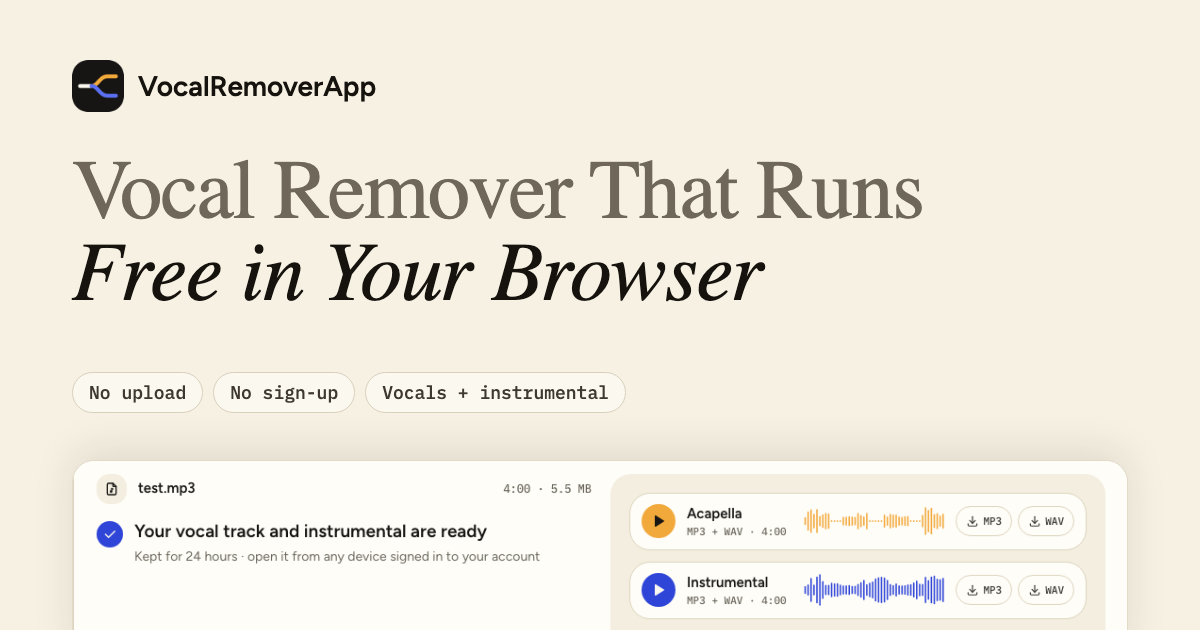
Vocal Remover App lets you split any song into a clean vocal track and an instrumental track directly in your browser. The free mode runs a local AI model so your files never leave your device, while the paid cloud mode uses a newer model for higher fidelity. Both modes return full‑quality MP3 or WAV files with no watermark. It’s a quick, no‑signup solution for karaoke, covers, and remixing.
The case
Who it is for
Musicians, singers, karaoke lovers, remixers, and DJs who need quick acapellas or instrumentals for practice or production.
What is broken today
Before vocal remover, people had to rely on complex audio software or paid online services that required uploads, sign‑ups, or limited previews. This made it difficult to quickly create karaoke tracks or practice instrumentals without technical hurdles or costs.
What it does about it
The app runs an AI model in the browser for free mode, processing the audio locally so the file never leaves the user’s device. For higher quality, it uploads the audio to the cloud, runs a newer model, and returns separate vocal and instrumental tracks as MP3 or WAV files.
Why not the obvious alternative
Unlike desktop DAWs or paid online services, Vocal Remover App offers instant, no‑signup, local processing for free, and a low‑cost cloud mode that delivers higher fidelity without watermark. It also supports video files, keeps results on the device or deletes them after 24 hours, and provides a 30‑second HQ preview before payment.
Gallery
Details
Considered instead of
Named by the maker, not measured by us. It tells you what this is competing with, not which one wins.
Questions
- Is this vocal remover really free?
- Yes. The free vocal remover needs no account and has no daily limit, because it runs on your own computer and costs us nothing per song. You get full MP3s with no watermark. HQ mode is paid, and new accounts get 2 free minutes.
- Do you upload or keep my song?
- Not in free mode: the vocal remover runs inside your browser, and the song stays on your device. In HQ mode the audio is uploaded to our servers, the two tracks are kept for 24 hours so you can download them anywhere, and then everything is deleted.
- How long does it take to remove vocals?
- On a recent laptop in Chrome, the free vocal remover handles a 4‑minute song in about 40 seconds, plus a one‑time 125 MB model download. Older computers and Firefox can take several minutes; you see the estimate first. HQ mode takes one to two minutes for a typical song, on any device.
rankcert-sheetmusictomidiMaker6h
We’re excited to launch Vocal Remover App, a browser‑based tool that splits any song into vocals and instrumental tracks without uploading your files. No sign‑up or watermark, and for higher quality you can use our cloud mode for a small fee. It’s the fastest way to create karaoke tracks, practice instrumentals, or remix songs.