
Remove Watermark From Video
Live this weekClean AI watermark removal, no blur or crop
About
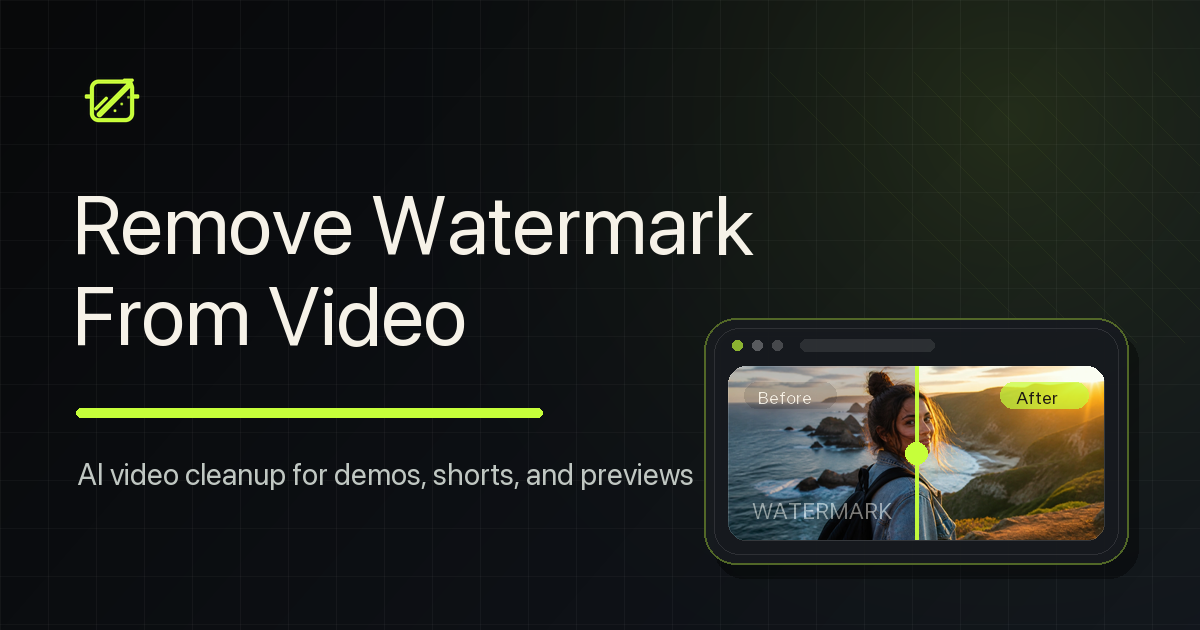
Remove Watermark From Video is a browser‑based AI tool that rebuilds the background behind watermarks, keeping your footage sharp and full‑frame. It auto‑detects the mark, inpaints the missing pixels, and requires no installation. You can preview for free and pay only for the seconds you process.
The case
Who it is for
Short‑form creators, e‑commerce marketers, and casual editors who need clean, unmarked videos for reposting or ads.
What is broken today
Before this product existed, creators had to blur or crop out watermarks, which either left a smudged area or cut off useful parts of the video. This degraded the visual quality and made clips look unprofessional on social platforms or in ads.
What it does about it
The tool runs entirely in the browser, where an AI model automatically detects the watermark and uses inpainting to reconstruct the underlying pixels. The result keeps the original resolution and frame integrity, and the process is paid per second with credits refunded if a job fails.
Why not the obvious alternative
Unlike generic editors that blur or crop, this service rebuilds the background behind the watermark, preserving detail. It auto-detects marks without manual masking, and uploads are auto-deleted after processing.
Gallery
Details
Considered instead of
Named by the maker, not measured by us. It tells you what this is competing with, not which one wins.
Questions
- How do credits work?
- One credit removes the watermark from one second of video (minimum 5 seconds per clip). If you tick "also remove captions & on‑screen text", it uses 2 credits per second. Credits are charged when a job starts and refunded automatically if it fails.
- Do credits expire?
- Credit packs are valid for 12 months. Subscription credits are granted every month and reset monthly – use them or lose them. The free signup credits are valid for 30 days.
- Is yearly billing cheaper?
- Yes – yearly costs half of paying monthly for 12 months. You pay once for the year and receive your monthly credits every month, so nothing is unlocked all at once.
- What’s the difference between Basic, Pro and Studio?
- Basic gives 125 credits per month (about 2 minutes of video), Pro 250 credits (about 4 minutes) and Studio 625 credits (about 10 minutes). All handle clips up to 10 minutes – the difference is how many seconds you can process each month.
- Do I need a subscription?
- No. If you only need a clip or two, a one‑time credit pack is the simplest choice – Starter (40 credits), Plus (100) or Max (200), valid for 12 months. Nothing renews.
rankcertcomMaker1d
We built a simple browser tool that removes watermarks from your own videos, rebuilding the background instead of blurring or cropping. It works in one click and keeps your footage sharp and full‑frame. Try it now for free or pay only for the seconds you process.