
PixText
VerifiedWebLive this weekChange text in any image, free — AI matches the style

About
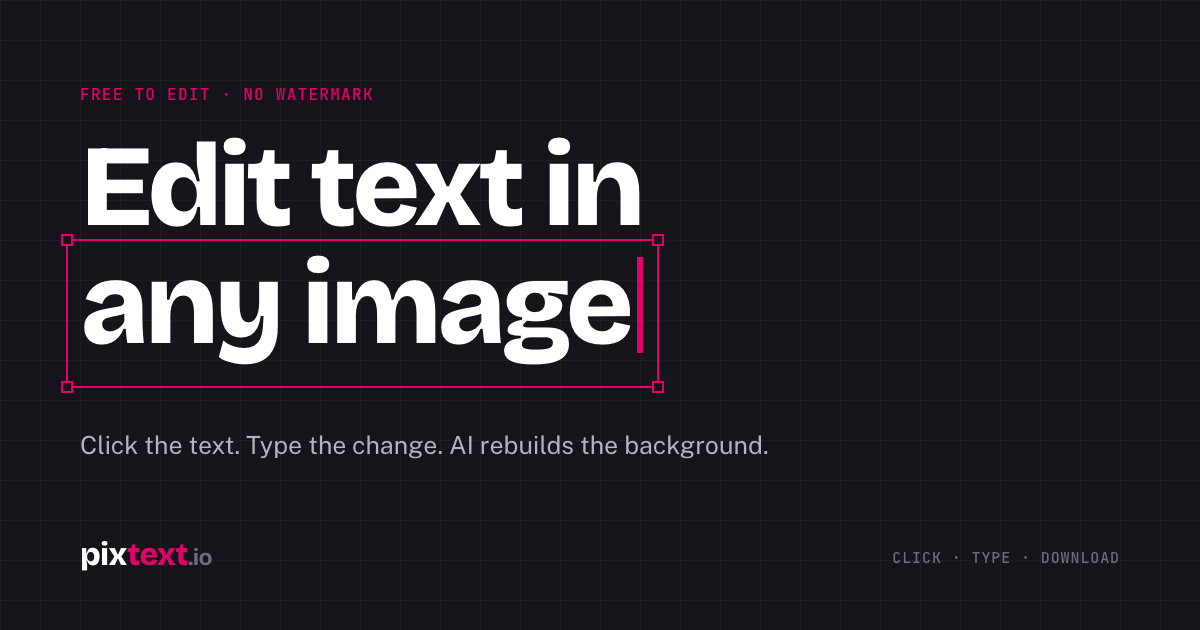
PixText edits the text that's already inside an image. Click any text in a screenshot, poster or product photo, type new words, and AI erases the original and rebuilds the background, with size, colour and position matched automatically. No watermark. Editing and downloads are free with no daily limit (a free account is needed to download), plus 1 AI match a day when signed in. Optional AI match packs start at $1.99, one-time.
The case
Who it is for
Marketers, shop owners, event organisers and developers who need to change text inside images
What is broken today
Changing a few words in a finished image usually means opening Photoshop or finding the original design file. Typing new text on top leaves the old words showing, and rebuilding the picture by hand takes time.
What it does about it
Upload a screenshot, poster or product photo and every line of text is detected. Click a line, type the new words, and the original pixels are erased and the background behind them is rebuilt. Font size, colour, position and weight are matched from the original, and a manual brush covers anything detection missed.
Why not the obvious alternative
Photo editors only add new text on top of a picture, and object erasers remove text but leave you to retype and restyle it. PixText detects each line, lets you edit it in place, and can redraw it in the image's own lettering with AI match (1 free a day).
Gallery


Details
Evidence
Every claim carries a source and a date
domain: verified
Source badge · verified 2026-11-16
Considered instead of
Named by the maker, not measured by us. It tells you what this is competing with, not which one wins.
Questions
- How do I edit text in an image online?
- Upload the image, click the text you want to change, type the new words, and PixText will erase the original, rebuild the background, and place your words in a matching size and color. Then download the edited PNG.
- Is PixText free?
- Yes. Editing and downloading are free, with no daily limit and no watermark. You need a free account to download; AI match packs are optional.
- What is AI match?
- AI match redraws one edited line to closely follow the image's own lettering style. It uses an AI model to generate the new line, which is then placed back into the image. AI match packs are one‑time purchases.
LeiaMaker7h
Hey everyone, I built PixText to make editing text in photos as simple as clicking a line. No Photoshop, no source files—just upload, edit, and download. Try it for free and let me know what you think!