
Photo Timestamp Pro
WebLive this weekAdd date and time stamps to photos in your browser.
About
Photo Timestamp Pro is a browser tool that adds customizable date and time stamps to photos. Choose fonts, position, format, and style, then download. Useful for work logs, evidence, travel, and everyday photos. Freemium.
The case
Who it is for
People who need visible date and time stamps on photos—for work logs, evidence, travel, and everyday pictures—without installing software.
What is broken today
Many people want to see the date on their photos when sharing or archiving them, but the built‑in photo apps often hide the EXIF data and editing requires installing a desktop or mobile editor. This process can be cumbersome, risk losing metadata, and may expose images to third‑party servers.
What it does about it
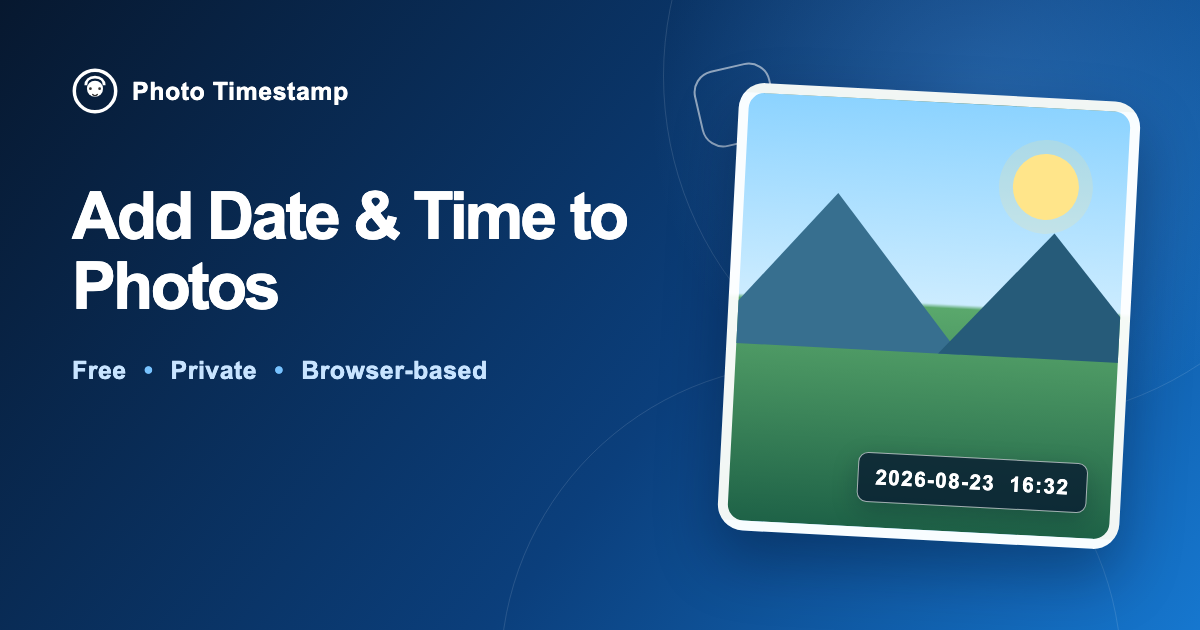
Photo Timestamp opens a web editor that reads the EXIF capture time from each image, lets you choose font, color, and position, and then draws the stamp onto a new JPEG. All processing happens locally in the browser, so the original file remains untouched.
Why not the obvious alternative
Unlike conventional editors, Photo Timestamp requires no installation, never uploads images to a server, supports HEIC/HEIF conversion, allows batch and ZIP downloads in Pro, and offers features like baby‑age stamps and custom date formats that many free tools lack.
Gallery
Details
Links
Considered instead of
Named by the maker, not measured by us. It tells you what this is competing with, not which one wins.
Questions
- Can I add a date after the photo has been taken?
- Yes. The editor reads the EXIF timestamp stored in the file, so you can add a visible stamp to any photo that still contains that metadata.
- What happens if the photo has no EXIF date?
- The editor falls back to the file’s modification date and warns you that it may differ from the actual capture date.
- Will my photos be uploaded to the server?
- No. All EXIF reading, previewing, and JPEG creation occur locally in your browser; no data is sent to our servers.
- Do I need a browser account or to install software?
- No account is required for the free tier, and the tool runs entirely in the browser—no installation needed.
MakermingMaker3d
We built Photo Timestamp to let you add dates to your pictures right in the browser, without installing an app or sending photos to a server. The tool is simple, free for most users, and respects your privacy by processing locally.