Dotwatt
Live this weekKnow how long your MacBook lasts and what drains it

About
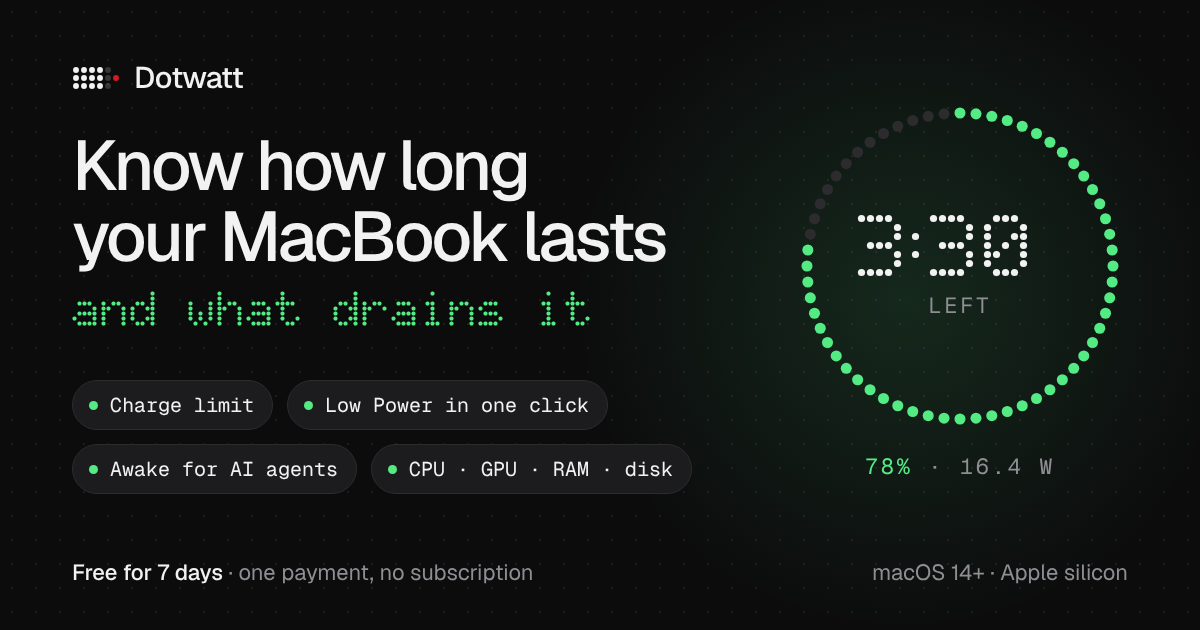
Dotwatt replaces the battery icon on MacBooks with Apple silicon. It measures the time left after you unplug and lists the apps spending the charge; quit one and it measures again, showing the watts before and after. It also sets a charge limit from 80% (macOS 26.4 or later), switches Low Power in one click and keeps the Mac awake while coding agents work.
The case
Who it is for
People who work on a MacBook with Apple silicon away from the charger, and developers who run coding agents and want the Mac awake only while they work.
What is broken today
The battery icon shows a percentage, not how long the charge will last or which app is draining it. The per-app energy view is in Activity Monitor, and the charge limit and Low Power Mode are buried in System Settings.
What it does about it
Dotwatt puts it in one menu bar panel: time left measured after you unplug (first estimate in 15 seconds, settled within two minutes), the apps spending the charge for now, today and 7 days, a new measurement after you quit one, a charge limit from 80 to 100% with the control built into macOS 26.4 or later, Low, Automatic and High Power in one click, and stay awake only while coding agents work.
Why not the obvious alternative
AlDente Pro is $13.99 a year or $24.99 lifetime and checks its license online every 30 days; Dotwatt is one payment from $2.99 with a key checked offline, and it shows the time gained after you quit an app. AlDente supports Intel Macs and limits below 80%; Dotwatt does not. iStat Menus has no charge limit or per-app energy.
Gallery


Details
Links
Considered instead of
Named by the maker, not measured by us. It tells you what this is competing with, not which one wins.
Questions
- Is Dotwatt safe for battery health?
- Dotwatt can hold the charge at a limit from 80 to 100% using the charging control built into macOS 26.4 or later, which keeps the battery off 100% all day. It also records battery health month by month.
- Does Dotwatt use telemetry or require an account?
- No. Dotwatt has no telemetry and does not require an account. All data is stored locally on your Mac.
- How does Dotwatt keep the Mac awake while AI agents work?
- Choose the coding agents mode in Stay awake: Dotwatt keeps the Mac awake only while a supported agent such as Claude Code, Codex or Cursor is working, and lets it sleep again when they stop.
- What macOS versions does Dotwatt support?
- Dotwatt is designed for Apple silicon MacBooks with macOS 14+ and requires macOS 26.4 or later for the 80 % charge limit feature.
- What is the price and trial period?
- One payment: $2.99 for the first 10 buyers, $4.99 for the next 30, then $7.99. One key works on up to three of your Macs. There is a 7-day free trial with no card, and a refund within 7 days.
Vitali KosyrauMaker1d
Hi, I'm Vitali. I built Dotwatt because the battery icon never told me how long my MacBook would last or what was draining it. It measures both, re-measures after you quit an app, and keeps the Mac awake only while coding agents work. 7-day free trial, then one payment.