DisplayLatch
Live this weekControl external monitor brightness on your Mac, for free

About
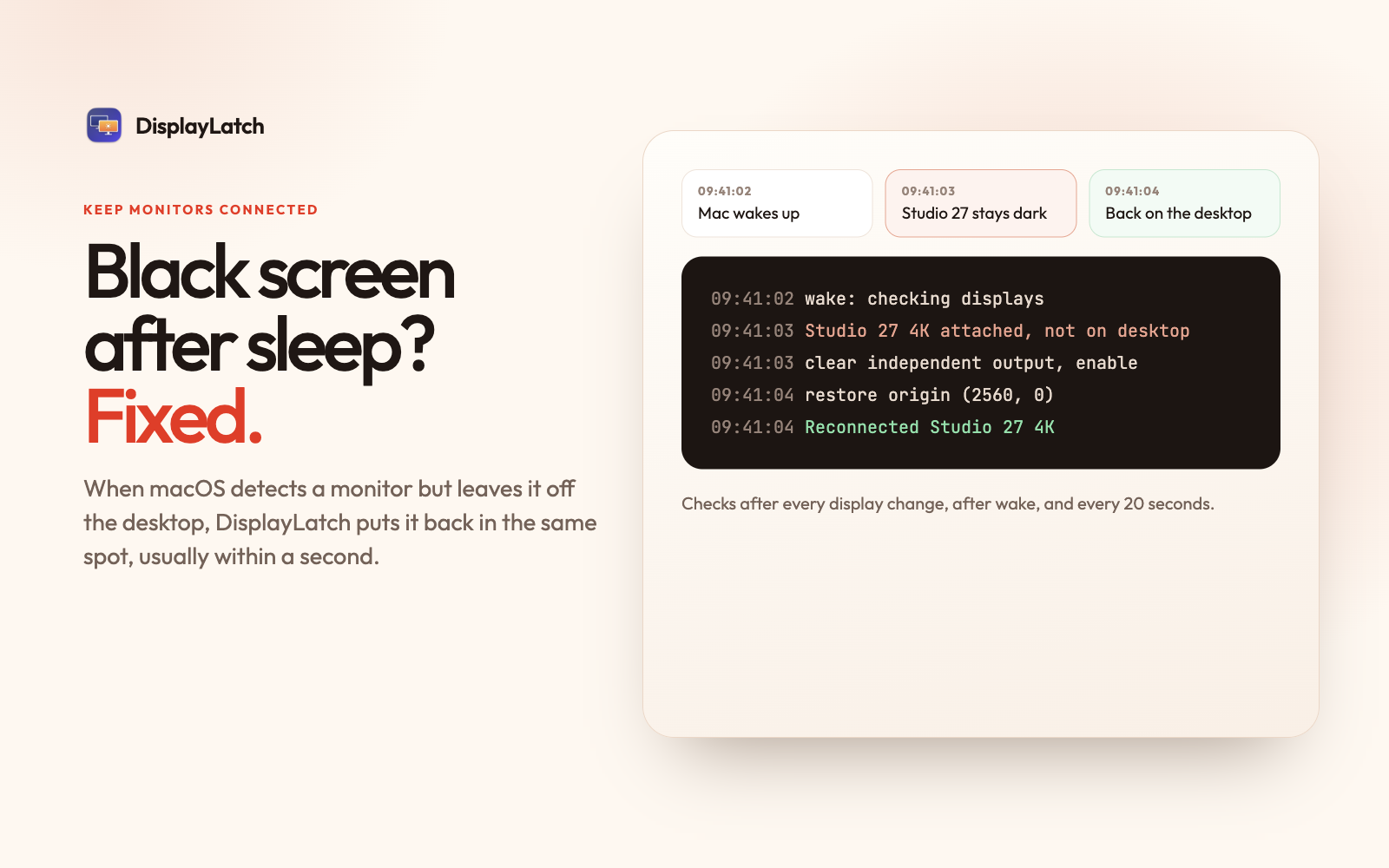
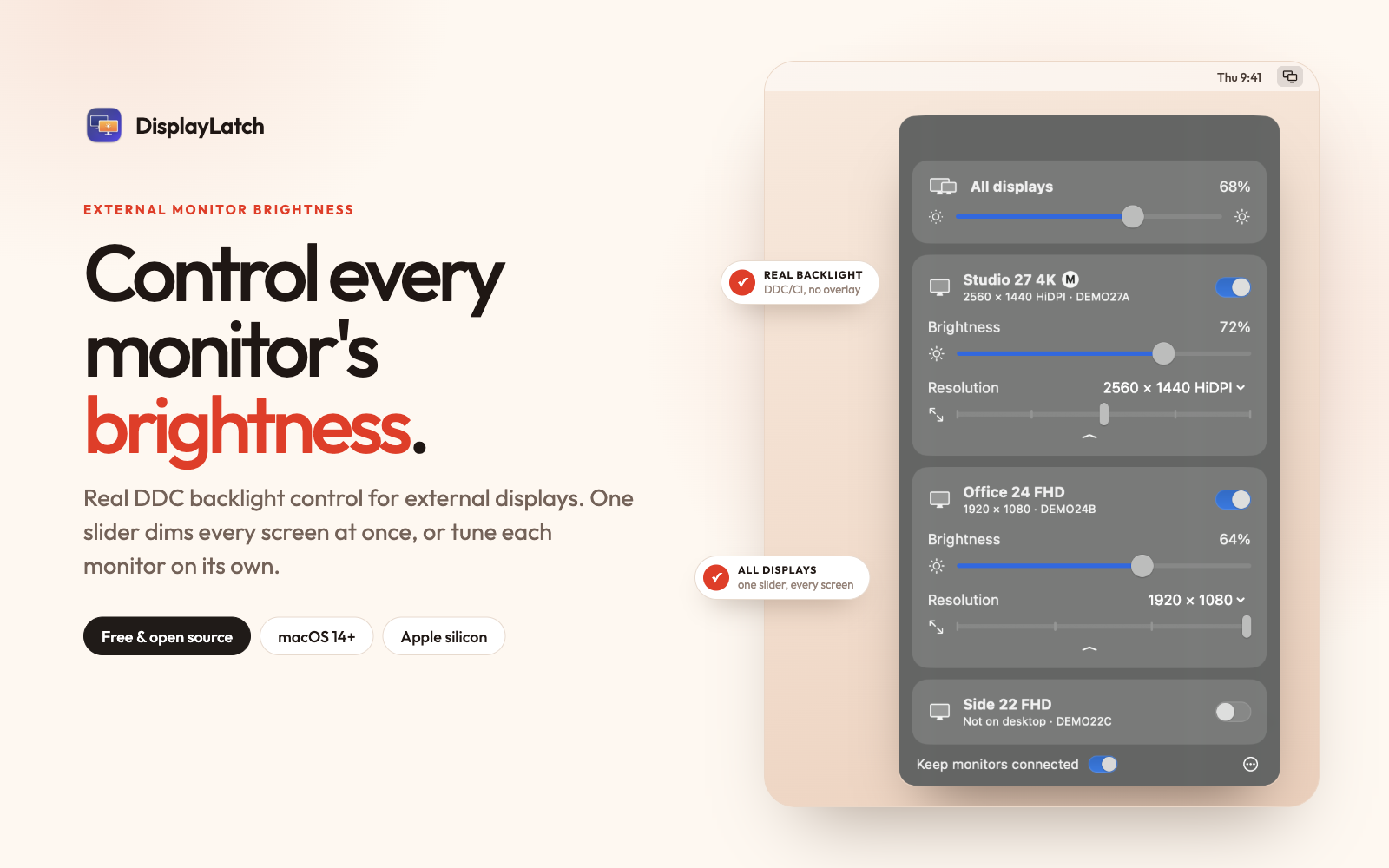
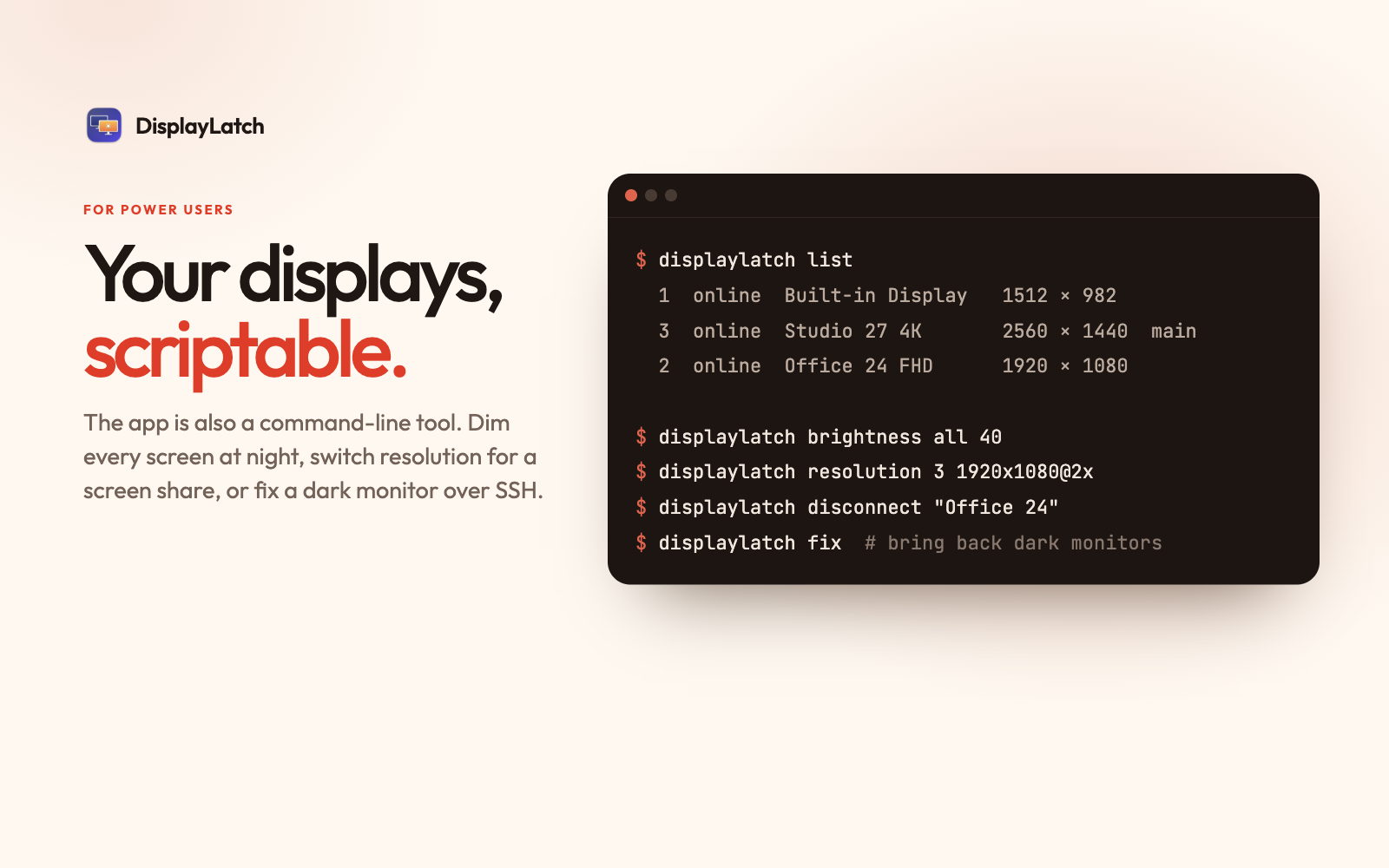
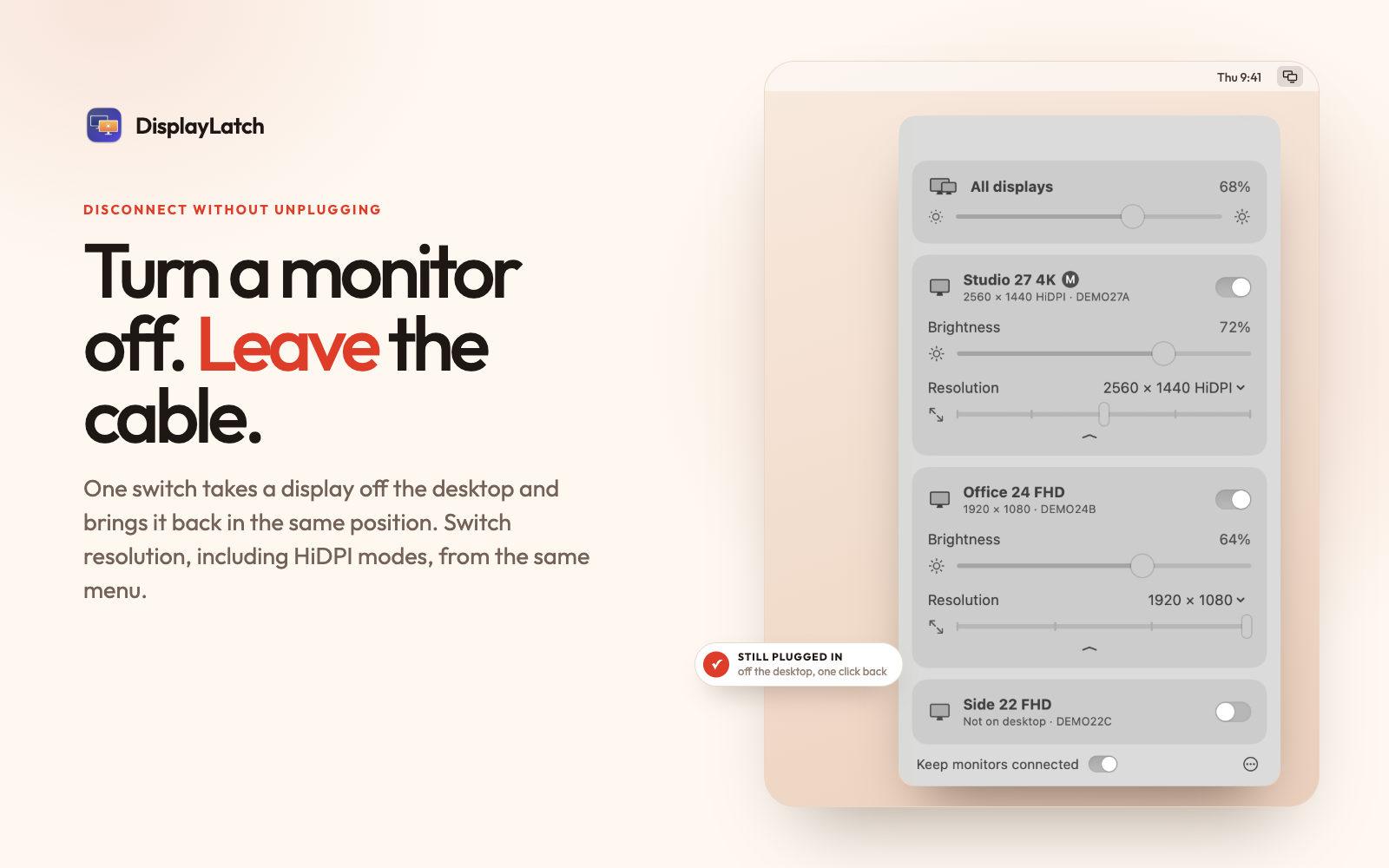
DisplayLatch is a free, open-source menu-bar app for Macs with external monitors. It changes each monitor's real backlight brightness over DDC/CI, with one slider that dims every screen at once. It also brings back monitors that macOS leaves black or off the desktop after sleep, in the same position. You can disconnect a display without unplugging it, switch resolution including HiDPI modes, and script it all from the command line. Native Swift, about 1.5 MB, no account or tracking.
The case
Who it is for
Mac users with one or more external monitors who want real brightness control and screens that stay on after sleep.
What is broken today
macOS only changes brightness on Apple displays, so other monitors need their own buttons or a dark overlay. After sleep, wake or a restart, macOS sometimes still detects a monitor but keeps it off the desktop, and saves that state.
What it does about it
DisplayLatch talks to each monitor over DDC/CI, the same channel its own buttons use, so the backlight really changes. One All displays slider dims every screen at once. It notices a monitor that is attached but missing and puts it back in the same place, usually within a second. A command-line tool covers scripts, Shortcuts and cron.
Why not the obvious alternative
It is free and open source (MIT), native Swift at about 1.5 MB, with no account and no tracking. Brightness, auto-reconnect, disconnecting a display without unplugging it, and resolution switching including HiDPI modes live in one menu-bar app.
Gallery

Details
Links
Considered instead of
Named by the maker, not measured by us. It tells you what this is competing with, not which one wins.
No comments yet. Be the first to give the maker feedback.