
AutoSubtitles
Live this weekAI-powered auto subtitle generator

About
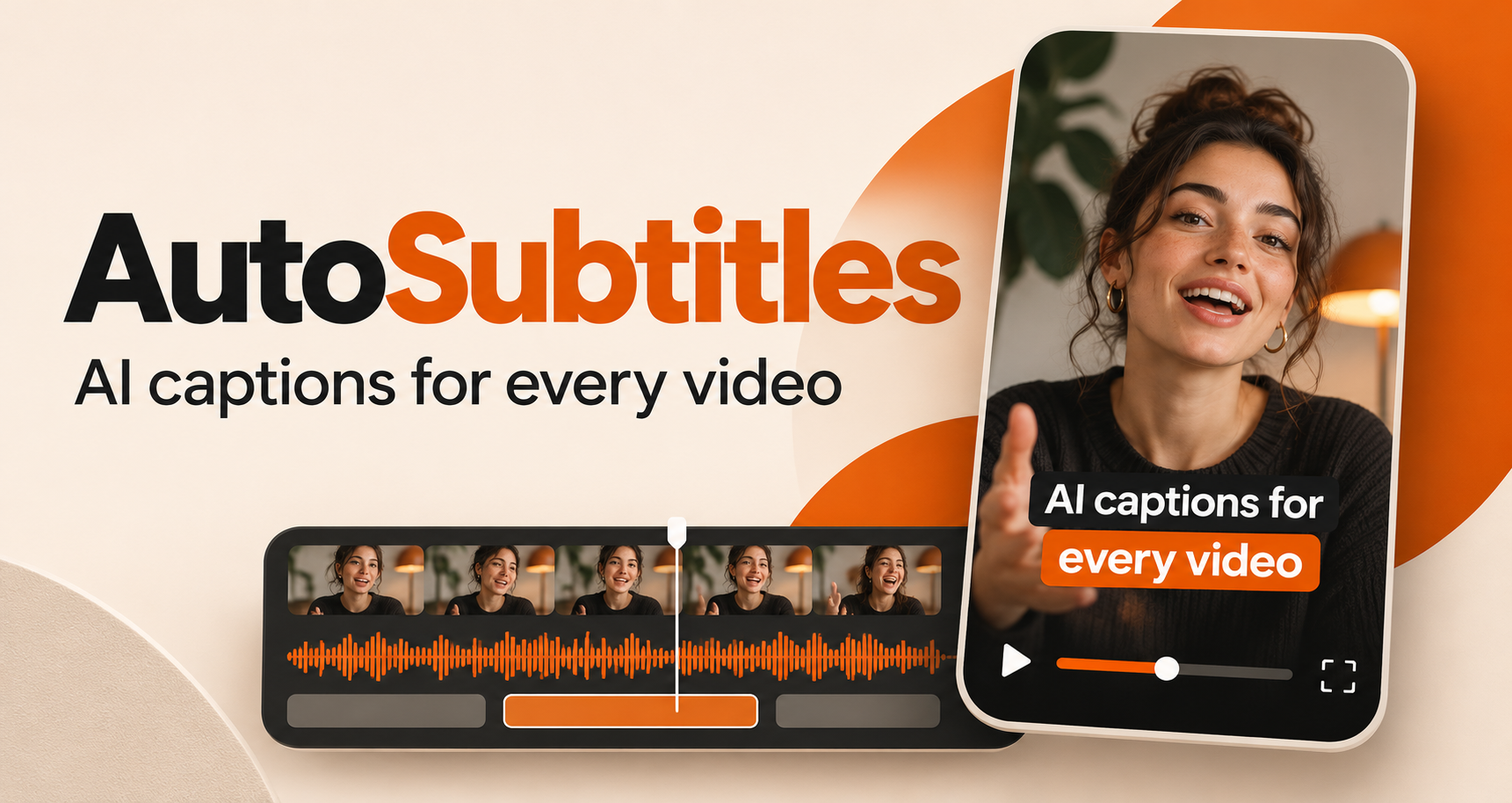
AutoSubtitles turns any video into a fully timed, word‑level subtitle track in seconds. It offers instant AI transcription, a browser‑based editor for correcting text and timing, and 28+ animated caption presets. All rendering happens locally, so you never need to upload footage to the cloud, and the free tier lets you export 720p videos with a watermark.
The case
Who it is for
Video creators, social media marketers, podcasters, and brands who need quick, accurate subtitles and captions for their content.
What is broken today
Before AutoSubtitles, creators had to rely on manual transcription or paid services, upload large video files to cloud editors, wait for rendering queues, and then stitch subtitles back into the video. This process was time‑consuming, costly, and often required technical knowledge or a separate software license.
What it does about it
AutoSubtitles lets you drag and drop a video file into the browser. The tool runs AI speech‑to‑text locally, producing a word‑level transcript with timestamps. You can then edit the text, adjust timing, apply animated styles, and render the final video or export subtitle files—all without leaving the browser.
Why not the obvious alternative
Unlike generic caption generators that rely on cloud rendering and require sign‑ups, AutoSubtitles works entirely in the browser, with no upload time or queue delays. It offers 28+ ready‑made animated presets that sync word‑by‑word, supports 100+ languages out of the box, and on paid plans lets you translate captions into 30+ languages while keeping perfect timing. The free tier even lets you burn captions into 720p video with a watermark, giving instant results for short clips.
Gallery
Details
Considered instead of
Named by the maker, not measured by us. It tells you what this is competing with, not which one wins.
Questions
- Do I need to sign up to use AutoSubtitles?
- No, the tool works entirely in the browser and does not require an account or any sign‑up.
- Can I export 4K video without a watermark?
- Yes, the Pro and Max plans unlock watermark‑free 1080p/4K exports.
- Does AutoSubtitles support multiple languages?
- Yes, the AI transcription automatically detects over 100 languages, and paid plans include translation into 30+ additional languages.
- Can I download subtitle files?
- On Pro and Max plans you can download SRT, VTT, and TXT subtitle files for use in other platforms.
Summer SuperMaker2d
We've built AutoSubtitles to make adding captions to videos effortless. No signup, no cloud queues, just instant, accurate subtitles in your browser. Try it free today.