
AUTOMATER.ai
Live this weekSessions, alerts and usage for every AI coding tool

About
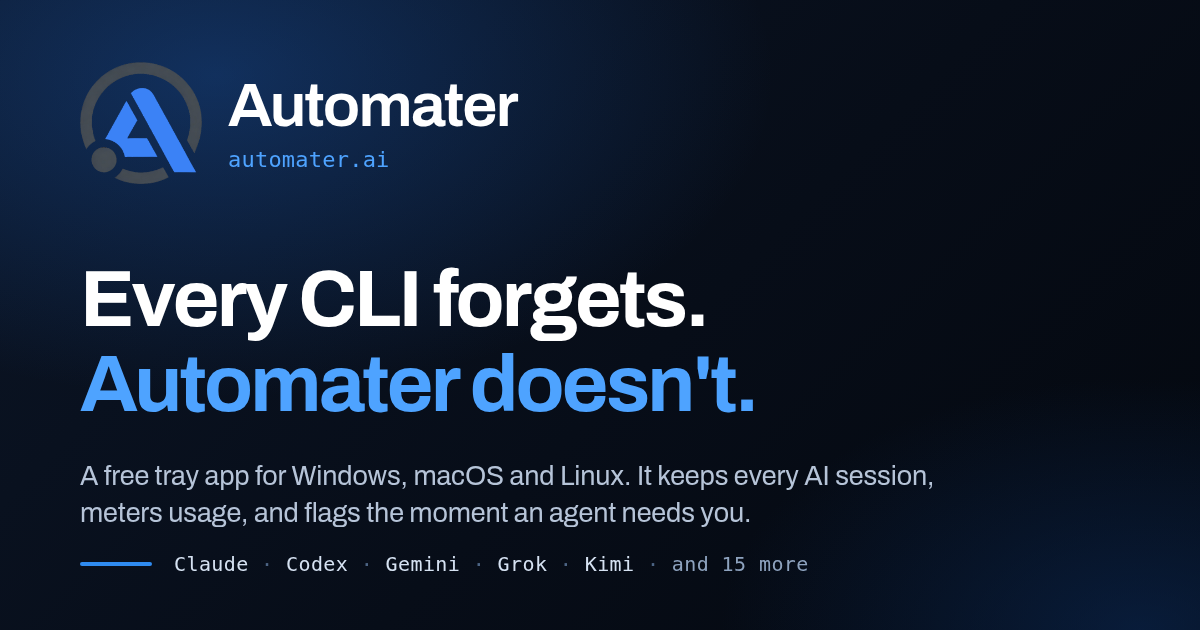
AUTOMATER.ai is a small tray app that sits beside your editor and terminals and keeps track of every AI coding agent you run. It reads the session files your AI tools already write and puts them into one local, searchable library, flags the agents that are waiting on you, and tracks usage across 9 providers in one panel. It covers 41 tools, including Claude Code, Codex, Cursor and Kimi. The free version needs no account. Desktop app for Windows, macOS (Apple silicon) and Linux.
The case
Who it is for
Solo developers or AI enthusiasts who run multiple AI CLIs and need a unified view of session activity and usage.
What is broken today
When using several AI command‑line interfaces or desktop apps, users must open many terminals or windows to see what each agent is doing. Prompts or waiting states can be missed, and there is no single place to track how much usage has been consumed across different providers. This fragmented workflow makes it hard to stay organized and avoid hitting usage limits.
What it does about it
Automater Lite installs on the local machine and scans for active AI CLI and desktop sessions. It aggregates the session data into one searchable library, flags when an agent is waiting for input, and shows a usage meter that aggregates consumption across nine AI providers. The interface is local, no cloud sync, and can resume sessions directly from the panel.
Why not the obvious alternative
Unlike separate terminal windows or generic monitoring tools, Automater Lite automatically pulls sessions from 41 supported AI apps and CLIs into one pane, flags waiting agents in real time, and aggregates usage across providers in a single meter. It also offers local voice dictation and the ability to resume sessions without leaving the panel, all without requiring an account.
Gallery
Details
Links
Questions
- Is Automater Lite free?
- Yes, the Lite version is free and requires no signup. A PRO version with additional controls is optional.
- Does Automater Lite store my data online?
- No, all sessions remain on your local machine and are not synced to any cloud service.
- Which AI providers are supported?
- Automater Lite supports 41 AI apps and CLIs, including OpenAI, Claude, GPT-4o, and others.
- Can I use voice dictation in Automater Lite?
- Yes, the Lite version includes local voice dictation that types prompts into the active session.
Russell WinslowMaker41m
I built Automater Lite to give you a single window that shows all your AI sessions, flags when an agent needs your attention, and tracks usage across providers—without requiring an account or cloud storage.