
AnyToVideo
WebLive this weekTurn any webpage into a narrated video

About
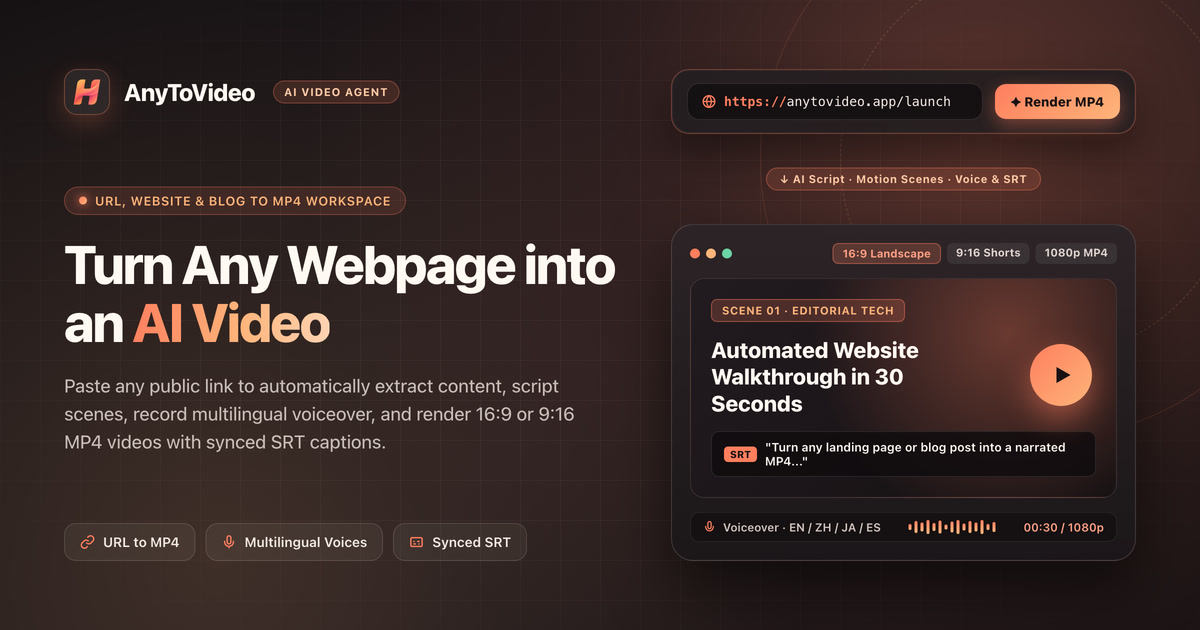
AnyToVideo is an AI‑powered SaaS that turns any public webpage into a styled MP4 video in minutes. It reads a page, distills its core arguments into a storyboard, auto‑generates scenes, voice narration, and synced subtitles, and renders the result deterministically in the cloud. The platform offers brand‑asset integration, multilingual voices, and precise duration control, eliminating manual editing.
The case
Who it is for
Solo creators, marketing teams, and product marketers who need quick, branded video content from web pages.
What is broken today
Before AnyToVideo, turning a webpage into a video required copying text, scripting scenes, recording voiceovers, and aligning captions in a complex editor. Generic link‑to‑video tools often overlay raw paragraphs on generic stock footage, misrepresenting brand identity and consuming hours of manual work.
What it does about it
AnyToVideo autonomously reads a public webpage, extracts headlines, metrics, and visual hierarchy, and distills them into a structured storyboard. It then programmatically composes scenes, applies an art‑directed style, records a natural multilingual voiceover, burns in subtitles, and renders the MP4 frame‑by‑frame on dedicated cloud workers.
Why not the obvious alternative
Unlike most converters, AnyToVideo renders each frame deterministically on cloud workers, preventing layout shifts or dropped frames. It refunds credits automatically if a job fails, allows precise 5‑second duration control, supports up to 10 brand assets with role tags, and offers multilingual narration with downloadable SRT files.
Gallery

Details
Considered instead of
Named by the maker, not measured by us. It tells you what this is competing with, not which one wins.
Questions
- How does AnyToVideo handle failed rendering jobs?
- If a cloud task fails to complete, AnyToVideo automatically refunds the credits used for that job.
- What video formats can I export?
- The platform exports MP4 videos and provides downloadable .srt subtitle files.
- Can I add my own logos or images?
- Yes, you can upload up to 10 logos, UI screenshots, or product images with role tags so they appear in the appropriate frames.
- Is there a way to automate this for multiple URLs?
- High‑concurrency rendering is supported through the Professional and Enterprise subscription plans, and an API is available for programmatic access.
- How long does rendering take?
- A 40‑second video typically takes 10–20 minutes to render, but actual time varies with length and queue position.
Summer SuperMaker4d
We're thrilled to launch AnyToVideo, a tool that turns any public webpage into a polished narrated video in minutes. No scripting, no editing—just paste a URL and let AI do the rest.