
AI Halloween
Live this weekAI Halloween photo generator for costumes & portraits

About
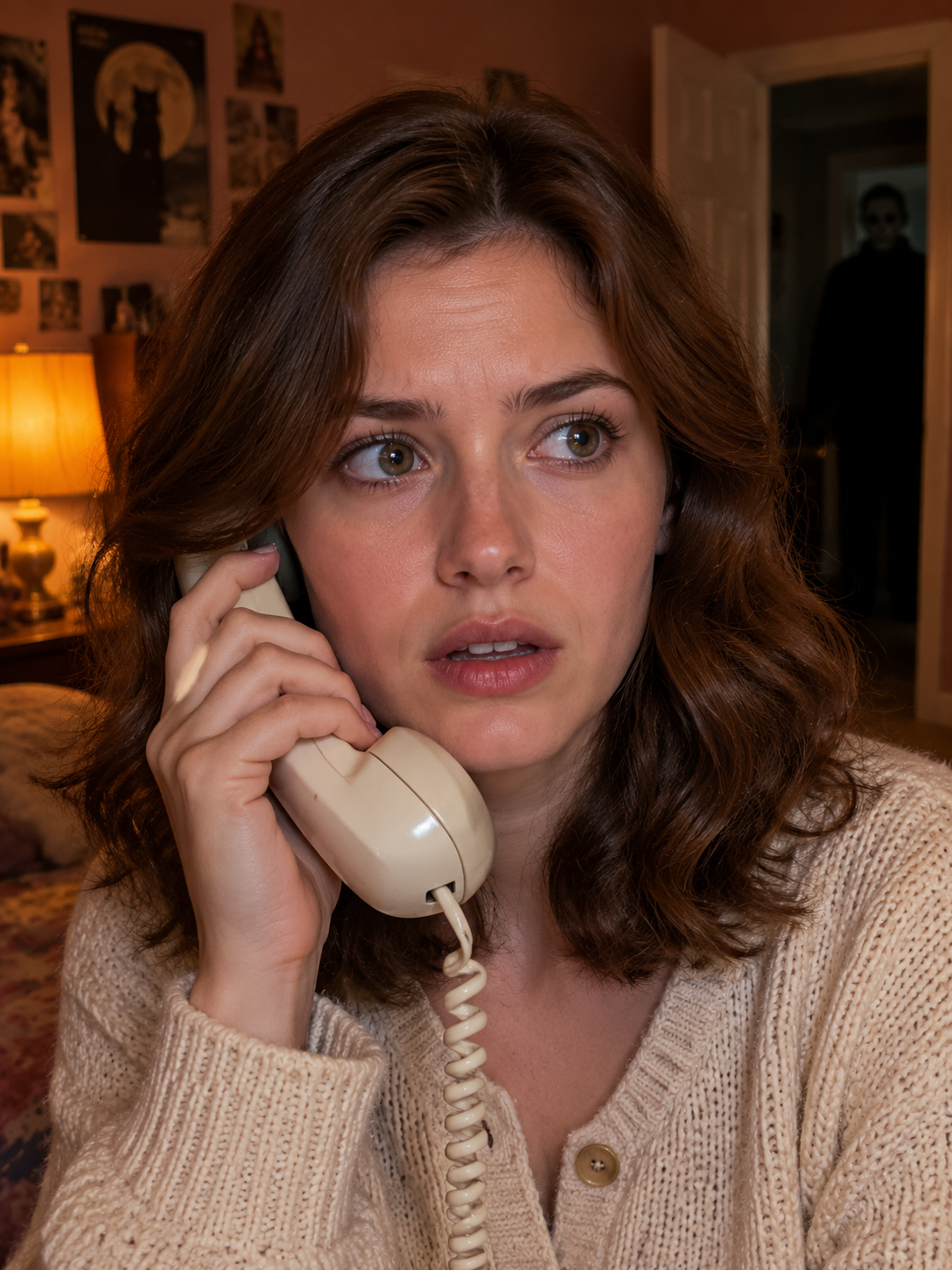
A credit-based AI photo tool for Halloween costumes and portraits. Clear face photo in, themed portrait out; review before download. Built for October campaigns and seasonal avatars, AI Halloween maps your photo onto curated Halloween scenes. Choose a costume template, upload one (or two for couples) clear reference images, and generate a portrait without crafting prompts. Check likeness and details before you download; animate later if you want motion.
The case
Who it is for
A social media enthusiast or party planner who wants to create Halloween themed portraits for themselves, friends, or pets without design skills.
What is broken today
People want to create Halloween themed photos but lack specialized tools, ready‑made templates, and the time or skill to manually edit images. Without an easy solution, they must rely on generic design software or hire a professional, which can be costly and time‑consuming.
What it does about it
Users select a Halloween template, upload a clear reference photo, and the AI generates a portrait that adds a costume, lighting, and background. The process is powered by a credit system; each photo costs 10 credits and each video 60 credits, with one‑time credit packs that cover both tools. The platform also supports pet and two‑person portraits and can animate existing scenes.
Why not the obvious alternative
Unlike generic design tools, AI Halloween provides themed templates with specific photo requirements, a straightforward credit‑based payment model, and integrated photo‑to‑video animation. It preserves identity guidelines and offers pet and pair templates that are not common in other services, allowing users to create realistic, themed portraits in minutes.
Gallery
Details
Links
Considered instead of
Named by the maker, not measured by us. It tells you what this is competing with, not which one wins.
Questions
- How many photos or videos will a pack make?
- A 200‑credit pack allows up to 20 photos or 3 videos; a 500‑credit pack up to 50 photos or 8 videos; a 1000‑credit pack up to 100 photos or 16 videos. Each photo costs 10 credits and each video 60 credits.
- Do I need a subscription or a different pack for video?
- No, the same credit balance covers both photo and video tools. A video is charged separately when you start its generation; buying a larger pack does not unlock additional motion effects beyond what is available on the video page.
- What happens when a generation fails?
- If a generation fails or is canceled, the credits used are returned to your balance. The task is marked as failed and can be retried without extra cost.
- Will a retry or a page refresh charge me again?
- Refreshing the page or opening an existing task will not charge again; it reuses the saved task record. Only a new submission with a different template or photo is charged.
- Can I use my own picture directly for a video?
- Yes, you can upload a completed scene from the photo tool or an existing photo to the video page. The video tool animates the scene you provide; it does not require generating a new photo first.
Ngoc Trang LeMaker3h
We're thrilled to launch AI Halloween, an AI‑powered tool that turns your photos into spooky costume portraits and short animated scenes. With ready‑made templates and a simple credit system, you can create Halloween looks for yourself, friends, or pets in minutes. Try it now and bring your Halloween vision to life!