A barcode is a way of writing a number so a laser can read it. Which symbology you pick decides what characters you can encode, how much space it takes and whether a shop till will accept it.
The formats that matter
Code 128 encodes the full ASCII set, including letters and punctuation, and packs digits two per symbol character. It is the default for anything internal: asset tags, warehouse locations, shipping references.
Code 39 is older, encodes only uppercase letters, digits and a handful of symbols, and produces a wider barcode for the same data. It survives because some industrial scanners were configured for it decades ago.
EAN-13 is the global retail standard: 13 digits, the first two or three identifying the country of the numbering authority. UPC-A is the 12-digit North American variant, and every UPC-A is a valid EAN-13 with a leading zero.
ITF-14 encodes the outer-case number for shipping cartons. It is deliberately chunky so it survives printing on corrugated cardboard.
Free toolBarcode GeneratorGenerate Code 128, EAN-13, UPC-A, Code 39, ITF-14, MSI and Pharmacode barcodes and download them as PNG. Runs entirely in your browser.The check digit
The final digit of an EAN or UPC is computed from the others. Multiply alternate digits by 3, sum everything, and the check digit is whatever brings the total to a multiple of ten.
It exists so a scanner can tell a misread from a valid code. If a laser drops a bar, the arithmetic fails and the scanner beeps rather than charging for the wrong product. This is why entering 12 digits and letting the generator compute the thirteenth is safer than typing all 13.
Why you cannot invent a retail barcode
You can generate the image. It will scan. It will not work in a shop.
Retail barcodes resolve through GS1's global registry to a company and a product. Retailers check that the prefix belongs to you before listing anything, and a number that resolves to somebody else - or to nobody - gets rejected at onboarding. A GS1 company prefix costs a few hundred a year in most countries, and there is no legitimate way around it.
For anything not sold through a retailer - internal inventory, event tickets, asset tracking, library systems - generate whatever you like with Code 128 and no registration is involved.
Printing one that scans
Three things cause nearly every scan failure:
Size. Keep the narrowest bar at or above 0.33mm. Scaling a barcode down until it fits a label is the most common cause of a code that reads intermittently.
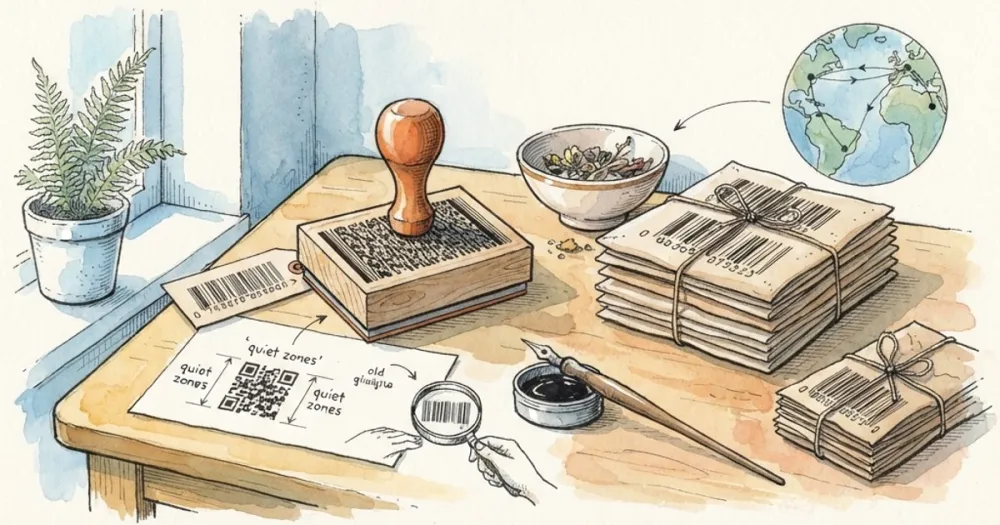
Quiet zone. Leave blank space either side, at least ten times the narrow bar width. A barcode butted against a border or another element confuses the scanner about where it starts.
Contrast and resolution. Black on white, printed at 300 DPI or better, never resampled after export. Resizing a rasterised barcode blurs the bar edges, which is exactly what the scanner is measuring.
Do not print barcodes on a curved surface without testing, and avoid glossy laminate, which reflects the laser straight back.
Barcode or QR code?
A one-dimensional barcode holds around 20 characters and needs a laser aimed across it. A QR code holds thousands, including a full URL, and any phone camera reads it from any angle.
Use a barcode where a scanner gun and a database are involved. Use a QR code where a human with a phone needs to get to a web page.
Generate either with the barcode generator, which renders Code 128, EAN, UPC and ITF in the browser.