
ShotDemo
Live this weekInteractive product demos for any software
About
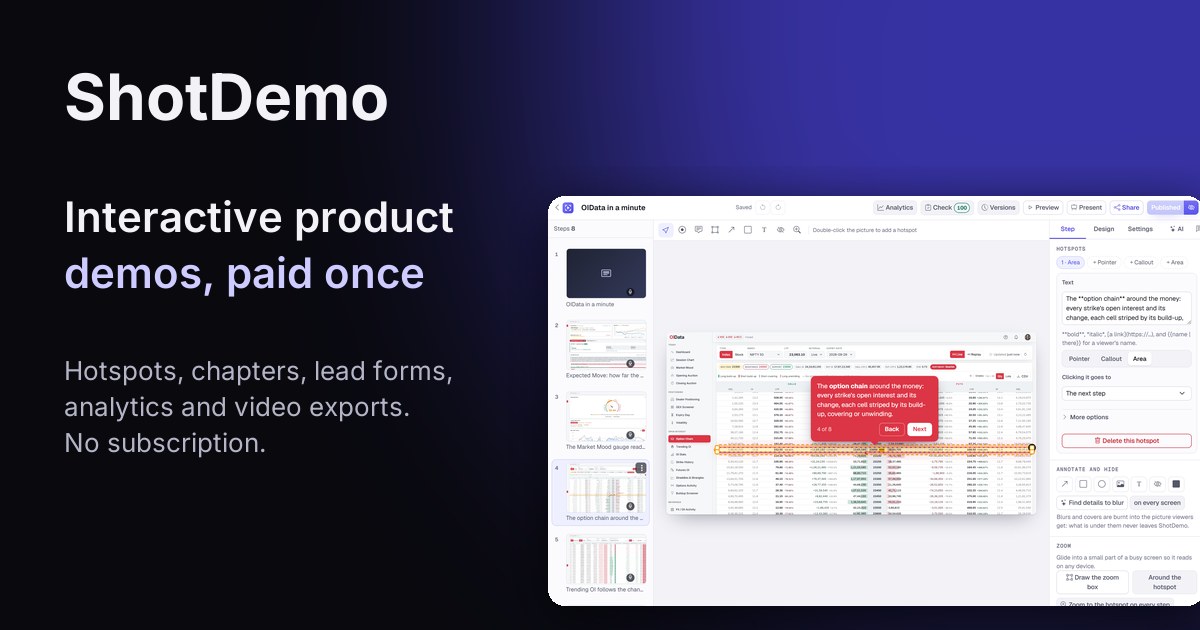
ShotDemo turns screenshots, website captures or uploaded images into interactive, click‑through product demos. Each screen becomes a step with hotspots, voice narration, lead forms and an AI agent that answers questions. The demo can be embedded anywhere, tracked for views and completion, and exported as a clean video.
The case
Who it is for
Product managers, marketers, sales teams, and onboarding specialists who need to showcase software to prospects or new users without a video editor.
What is broken today
Before ShotDemo, creating an interactive demo required manual video editing, screen recordings, or static screenshots with arrows, which was time‑consuming and hard to update. Teams struggled to track engagement or collect leads from the demo itself.
What it does about it
ShotDemo lets you capture your product via a Chrome extension, website URL, or screenshots, automatically generating a step‑by‑step guided tour. You add hotspots, voice narration, lead forms, and optional AI agent; the result is a live demo that users can click through, embed, or export as a video.
Why not the obvious alternative
Unlike other tour tools that require a subscription or seat pricing, ShotDemo charges a one‑time fee per demo, keeping it live forever without a badge. It also offers an AI agent that answers user questions in real time, branching navigation, and HTML‑based steps that stay sharp on any screen size, features that most competitors lack.
Gallery
Details
Considered instead of
Named by the maker, not measured by us. It tells you what this is competing with, not which one wins.
Questions
- How does pricing work?
- ShotDemo is free to start: you can build unlimited demos and steps with a small badge. Buying a demo removes the badge, keeps it live forever, adds lead forms, an AI agent, password protection, and more. The cost is $12 per demo, with no subscription or seat pricing.
- What does buying a demo add?
- A purchased demo unlocks unlimited views, lead forms, password protection, an AI agent with up to 300 questions a month, clean video export, a written guide, offline copy, SCORM, and after the first demo you can use your own domain and invite team members.
- Can I export the demo as a video?
- Yes. A published demo can be exported as an MP4 or GIF in 16:9, 9:16, 1:1 or 4:5 aspect ratios. The pointer travels to each hotspot, hotspots become captions, and the voice narration is included.
- Does the demo stay live after purchase?
- Yes. Once you buy a demo it stays live for good with unlimited views and no subscription.
emailMaker5d
ShotDemo is an online service for making interactive demos of software. Bring screenshots or your website, point to what matters, and we turn it into a click‑through demo that tells you who watched and how far they got.