
Seamlessify
Live this weekFree Seamless Pattern Generator

About
Seamlessify turns any image or AI‑generated artwork into a production‑ready repeating pattern. It stitches images directly in your browser, blending edges to eliminate visible seams, and lets you batch‑export PNG, JPG or ZIP files. Optional AI generation uses a credit‑based model for new starting images, while all free stitching stays local and private. No Photoshop or plug‑ins are required.
The case
Who it is for
Pattern designers, textile artists, UI designers, and small businesses needing repeat graphics for fabric, wallpaper, or digital assets.
What is broken today
Before Seamlessify, designers had to manually tile images in Photoshop or use costly plugins. The process involved cropping, aligning, and feathering edges, often requiring a paid license or complex workflow. Small studios and freelancers found it time‑consuming and difficult to scale for batch production.
What it does about it
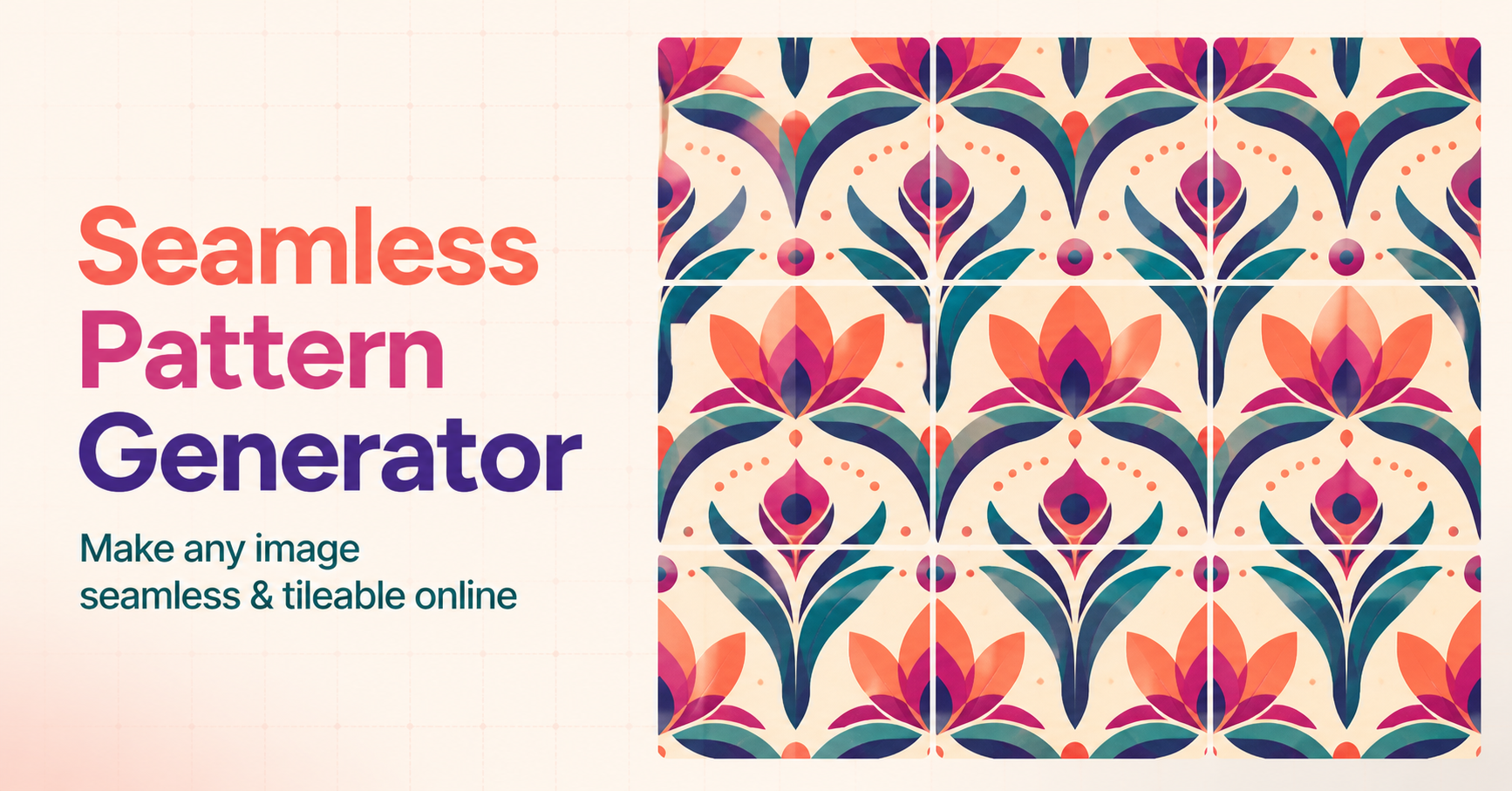
Upload a PNG, JPG, or WEBP file, choose the number of columns and rows, and preview a live 3×3 repeat. The tool offers two stitching modes: direct stitching for quick repeats, and seamless blend which overlaps and feathers opposite edges to smooth joins. For new patterns, the AI generation option sends a reference prompt to a credit‑based model and returns a generated image that can be stitched the same way.
Why not the obvious alternative
Unlike Photoshop, Seamlessify runs entirely in the browser so your source files never leave your computer. The free tier provides unlimited direct stitching without signup, while optional AI generation is safe‑screened and uses a credit system. Batch export to ZIP makes it easy to create production‑size files for fabric, wallpaper, or digital assets. Independent column and row counts let you design strips, panels, or full‑scale patterns without manual cropping.
Gallery
Details
Considered instead of
Named by the maker, not measured by us. It tells you what this is competing with, not which one wins.
Questions
- How do I make an image seamless online?
- Upload a PNG, JPG, or WEBP file, set columns and rows, preview the 3×3 repeat, and click "Stitch" to generate a seamless pattern. Use "Seamless blend" to smooth edges if needed.
- What image formats are supported?
- PNG, JPG, and WEBP are supported for upload and export.
- Can I use a processed pattern commercially?
- Yes, patterns created with Seamlessify can be used commercially; the tool does not impose licensing restrictions on your output.
- Do I need an account?
- No, the free tier works without signup. To use AI generation or access private history, you can create an account with email verification.
- How do AI credits and image retention work?
- AI generation costs one credit per Z‑Image or three credits for Ideogram. Credits refill monthly on paid plans. Generated images are kept in your private history for 30 days and are then deleted.
JohnaMaker3h
We built Seamlessify to let designers quickly turn any image into a seamless pattern. With free in‑browser stitching and optional AI generation, you can create production‑ready tiles without installing software. Try it now and see how easy pattern creation can be.