
LocalInbox
Live this weekSmart mail, sorted on your Mac

About
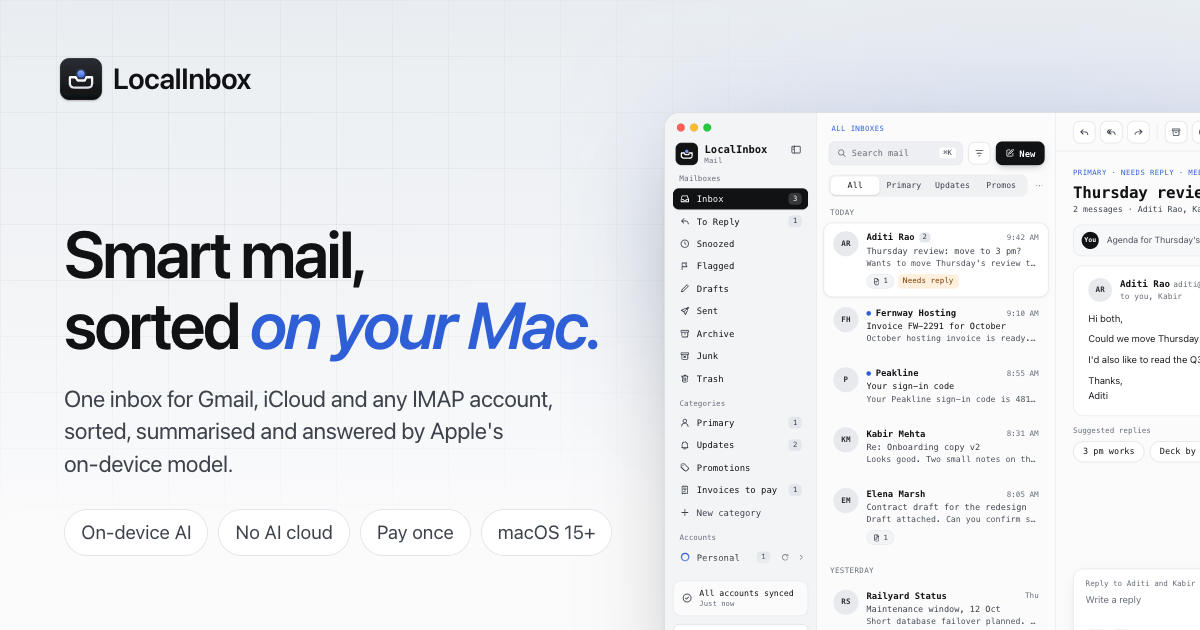
LocalInbox is a native macOS mail app that sorts, summarizes, and answers your email using Apple’s on‑device AI. It keeps all data on your Mac, never sending messages to a cloud server, and provides a unified inbox, quick replies, and privacy‑focused features.
The case
Who it is for
Mac users who want a fast, private email experience without cloud AI, including developers, writers, business professionals, and anyone who values privacy.
What is broken today
Email overload, cluttered inboxes, and the need for quick replies are common for Mac users. Many existing smart mail apps rely on cloud AI, sending private messages to third‑party servers, raising privacy concerns. Users also struggle with fragmented inboxes across Gmail, iCloud, and other IMAP accounts.
What it does about it
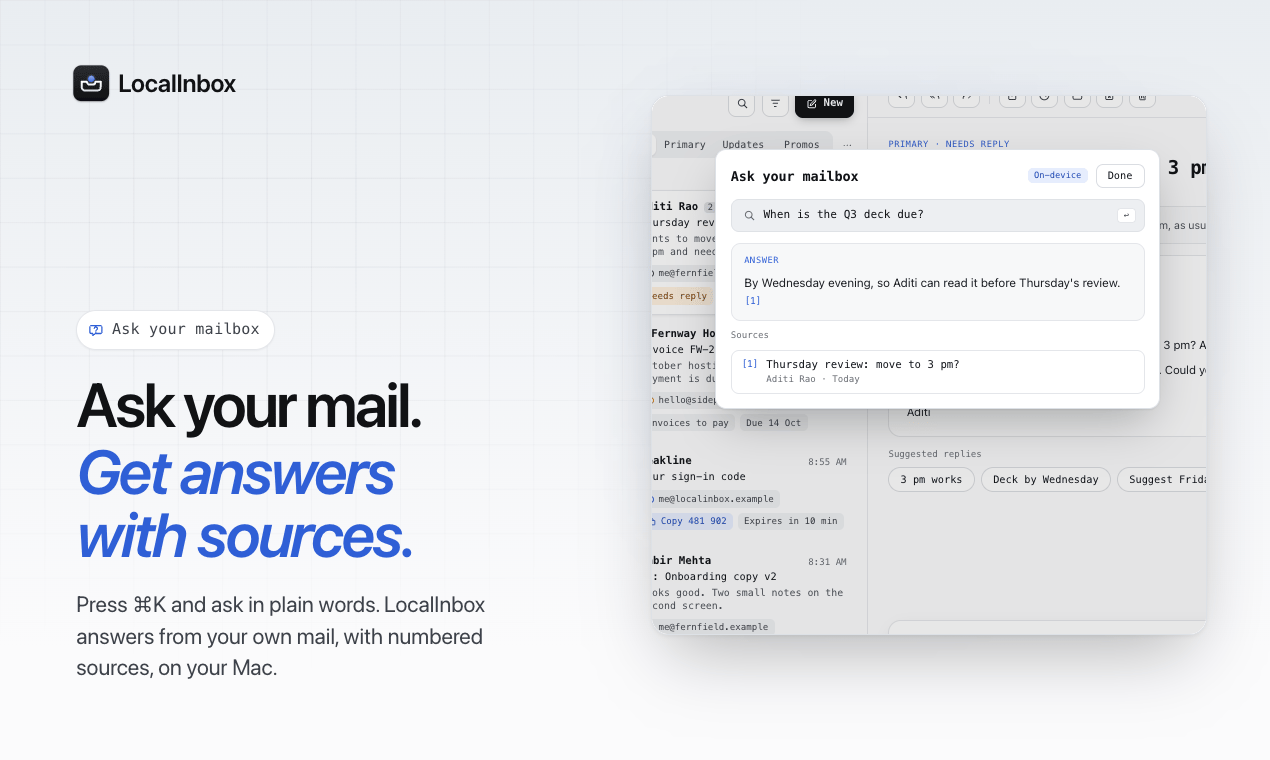
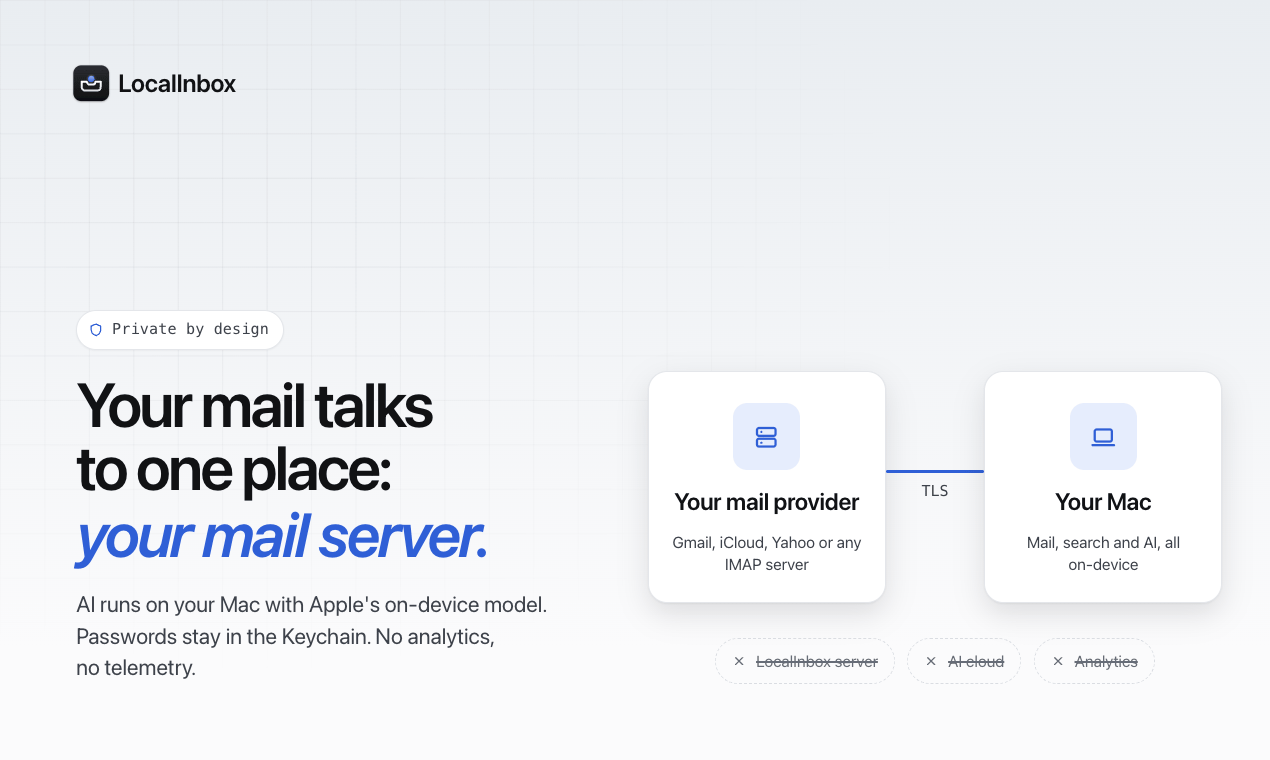
LocalInbox syncs all accounts via IMAP and processes every message on the Mac using Apple’s on‑device AI. Rules, summarization, and a built‑in “Ask” feature let the app sort, flag, and even reply to mail without leaving the device. The app stores data locally and uses the macOS Keychain for credentials, ensuring no data leaves the user’s machine.
Why not the obvious alternative
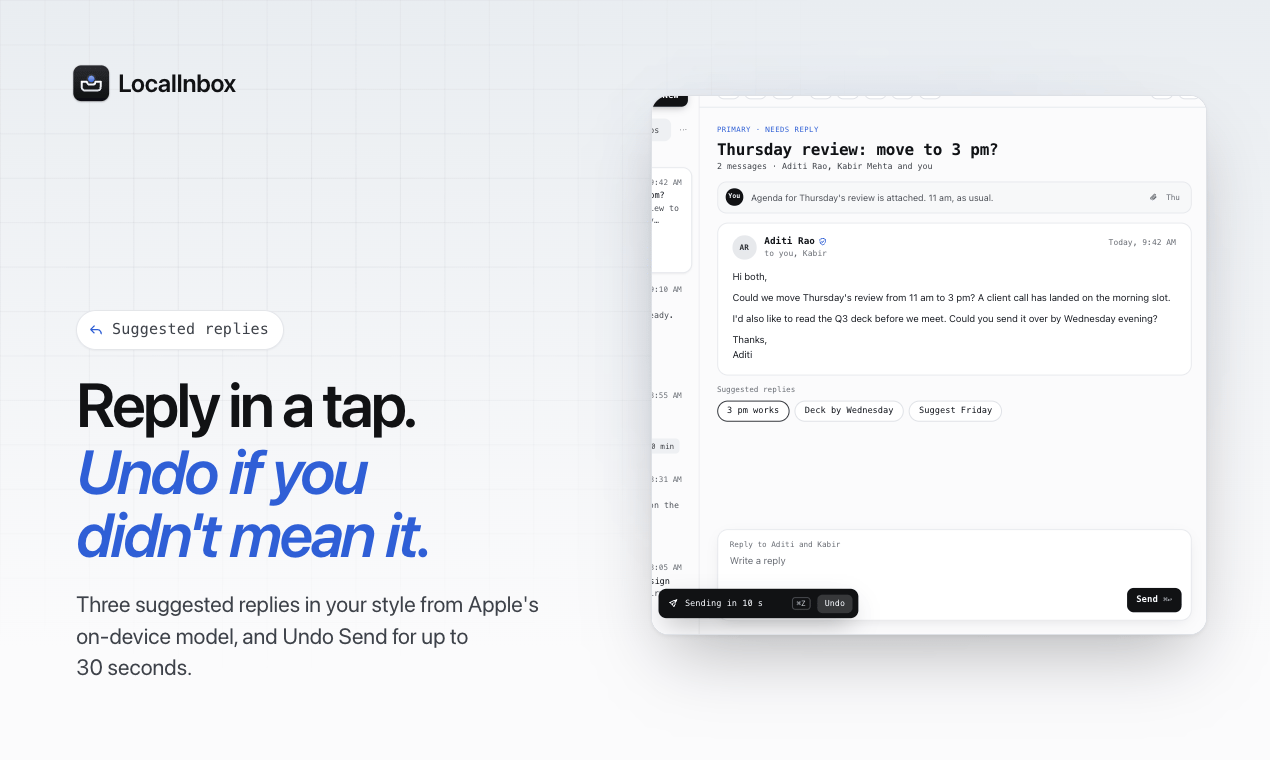
Unlike cloud‑based mail apps, LocalInbox never contacts a server to read or analyze messages, preserving privacy. It offers a unified inbox with color‑coded accounts, keyboard‑first shortcuts, undo‑send, snooze, and send‑later, all native to macOS. The on‑device AI runs quickly, giving instant answers and summaries while keeping the experience lightweight and offline‑ready.
Gallery
Details
Links
Considered instead of
Named by the maker, not measured by us. It tells you what this is competing with, not which one wins.
Questions
- Is it really a one‑time payment?
- Yes. You pay once and the license is yours, with every 1.x update included. There are no monthly or yearly plans.
- Can I try it first?
- Yes. LocalInbox is free for 7 days with every feature, and there’s no sign‑up or card required. When the trial ends, simply enter the license key.
- How many Macs can I use it on?
- Up to three Macs per licence. All three use the same key and receive the same updates.
Manish Kumar ranaMaker8d
LocalInbox is a native Mac mail app that keeps your mail yours. It uses on‑device AI to sort, summarize, and answer emails, never sending them to the cloud. Try it free for 7 days and see the difference.