
ExamClutch
Live this weekAI Quiz Helper for Canvas, Blackboard & 10+ LMS

About
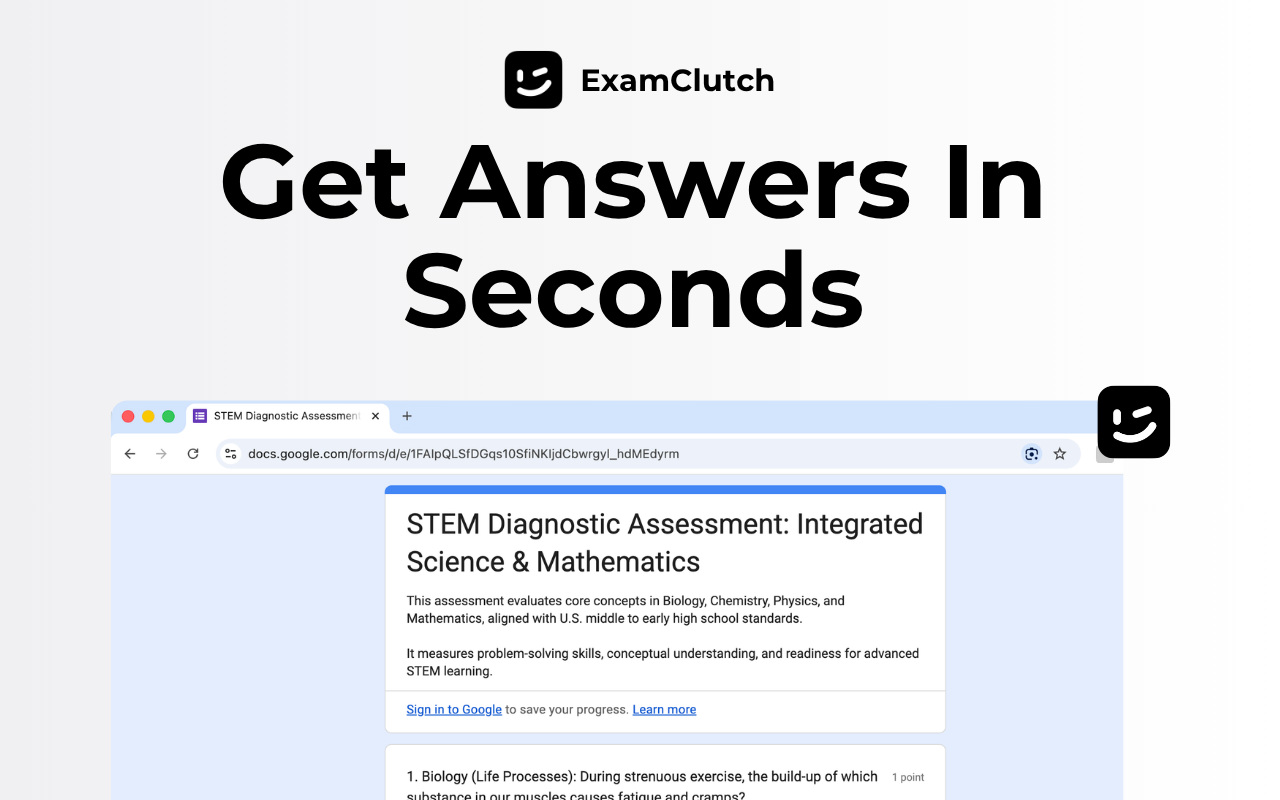
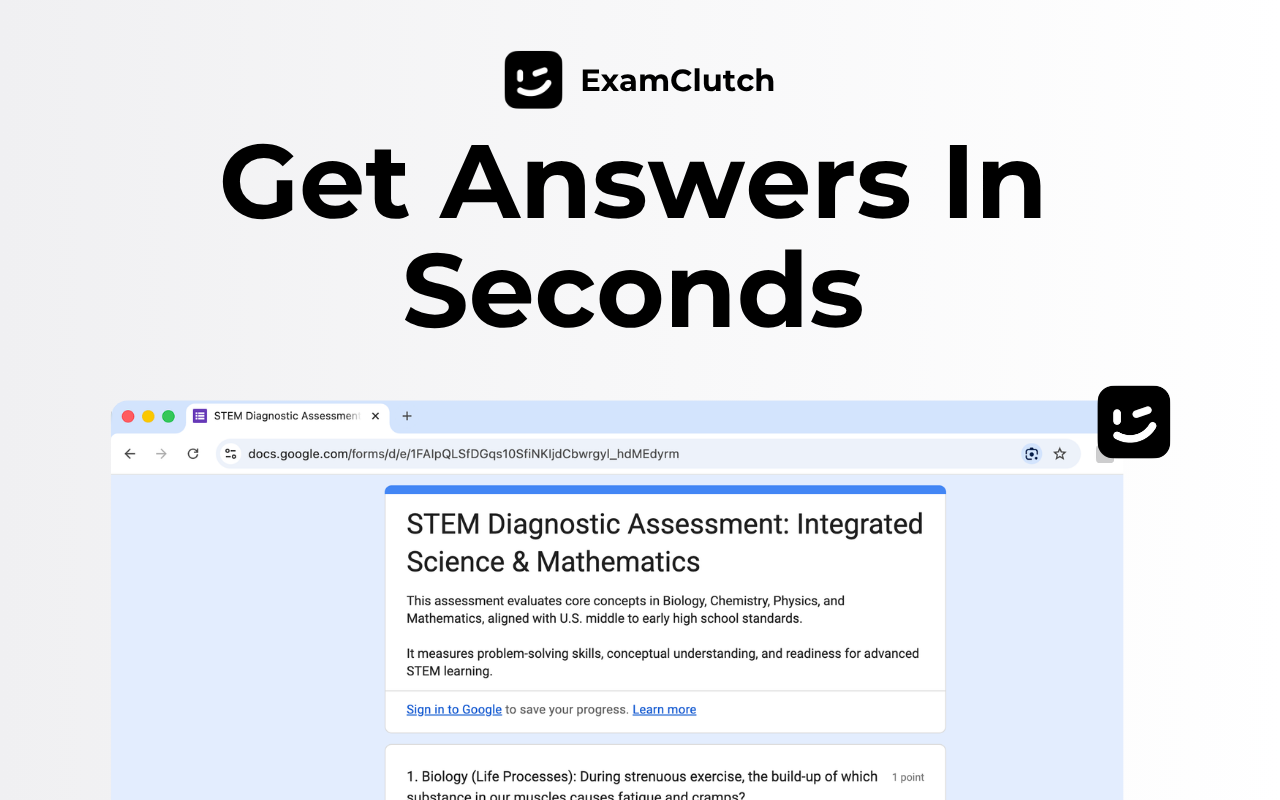
ExamClutch is a Chrome extension that uses AI to fetch answers for multiple‑choice, multi‑select, dropdown, and fill‑in‑the‑blank questions on popular LMS platforms. It works invisibly, leaving no visual footprint and storing no data locally. Students can double‑click questions to auto‑select the correct answer, saving time during finals or last‑minute assignments.
The case
Who it is for
Students who need quick, undetectable quiz help, especially during finals or last‑minute assignments, and prefer a silent, browser‑based solution.
What is broken today
Before ExamClutch, students had to manually answer quiz questions or risk being caught using external help. Existing tools either left visible traces, required manual input, or were limited to certain platforms, making quick, discreet assistance difficult during exams or assessments.
What it does about it
ExamClutch installs as a Chrome extension that runs entirely in the browser. It pulls answers from an AI model, then lets the user double‑click questions to auto‑select them. The extension operates across Canvas, Blackboard, Brightspace, Moodle, and many other LMS with no visual overlays or tab changes.
Why not the obvious alternative
Unlike generic AI chat tools or manual answer searching, ExamClutch is undetectable—no pop‑ups or UI elements appear on the page. It works locally, never stores data, and supports an invisible mode that keeps the quiz page clean. It also offers multiple modes (Invisible, Sneaky, Homework) to match the user’s need for stealth or visibility.
Gallery
Details
Links
Considered instead of
Named by the maker, not measured by us. It tells you what this is competing with, not which one wins.
Questions
- Is ExamClutch really undetectable?
- Yes. It leaves no visual footprint, does not interfere with your tabs, and runs silently in the background. Nothing on the page signals its presence.
- What types of questions can ExamClutch answer?
- It can handle multiple choice, multi‑select, dropdowns, and fill‑in‑the‑blank questions—anything that is short‑form on a web‑based quiz.
- How fast is ExamClutch?
- Press Cmd/Ctrl+Shift+X, wait about 30 seconds while it pulls answers, then double‑click any question to mark it. The entire process takes under a minute.
- Which platforms can I use ExamClutch on?
- Canvas, Brightspace, Blackboard, Moodle, D2L, McGraw Hill Connect, Schoology, Edulastic, DeltaMath, IXL, Microsoft Forms, and Google Forms.
- Is my data secure?
- Yes. ExamClutch runs locally in your browser, never stores your answers, and does not sell your data.
Meet PatelMaker4d
Hey students! ExamClutch is here to help you ace quizzes without anyone noticing. Just install the Chrome extension, pair it, and let the AI do the heavy lifting.