
DodoDeck
VerifiedLive this weekDesktop Tasks & Notes for Windows

About
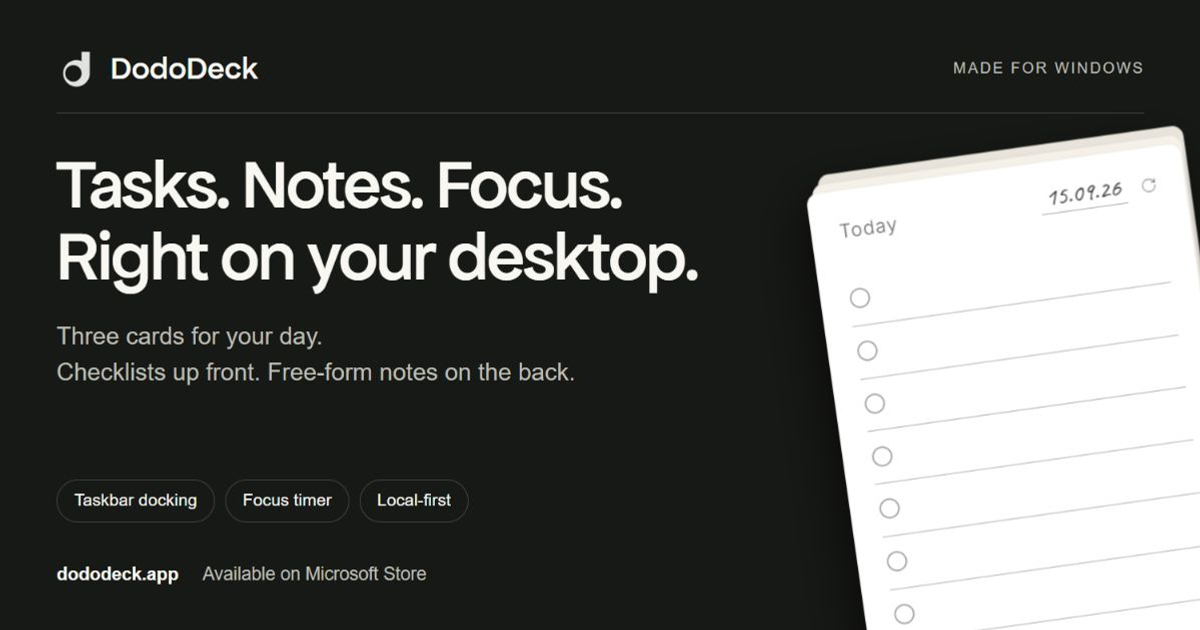
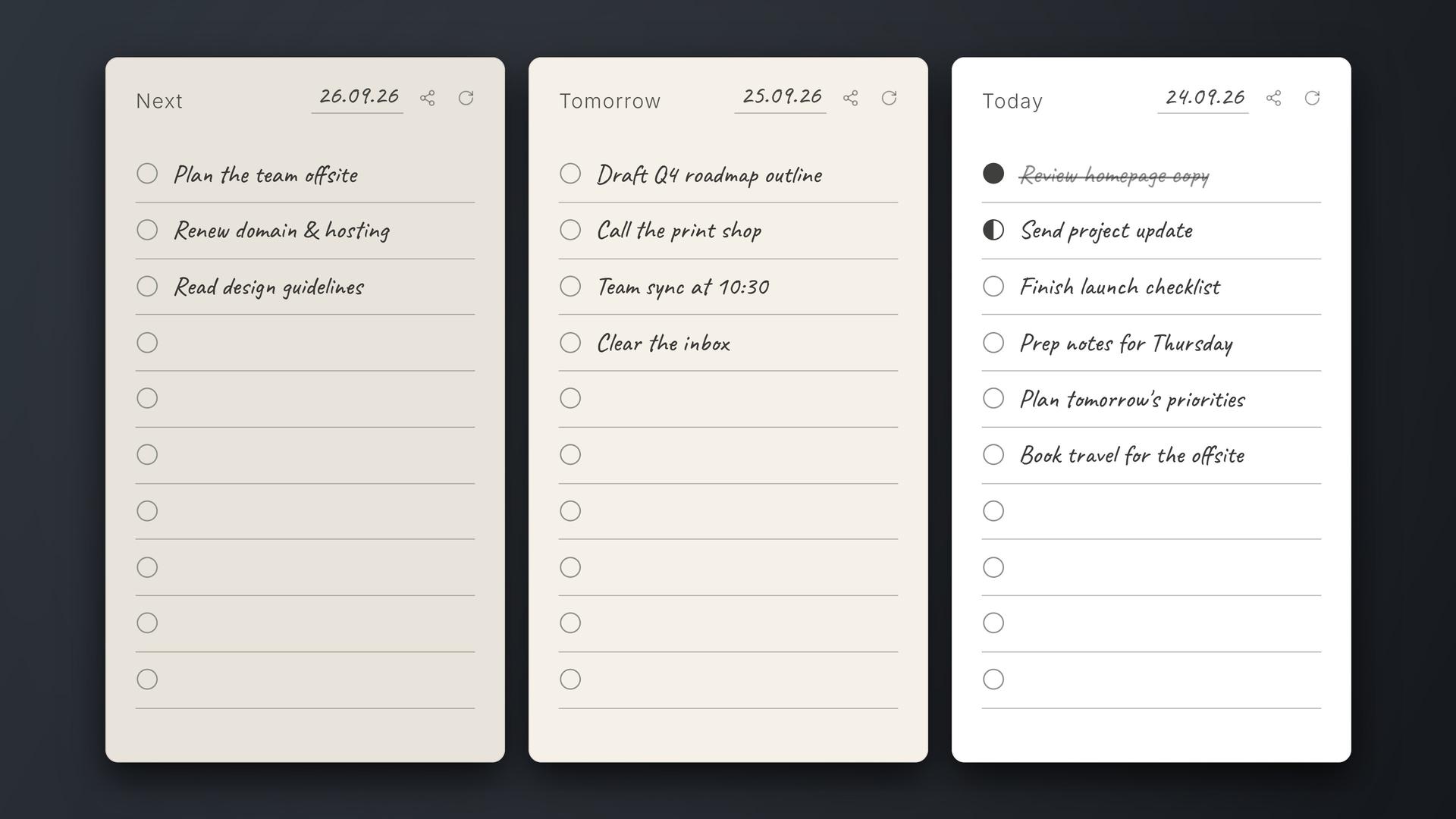
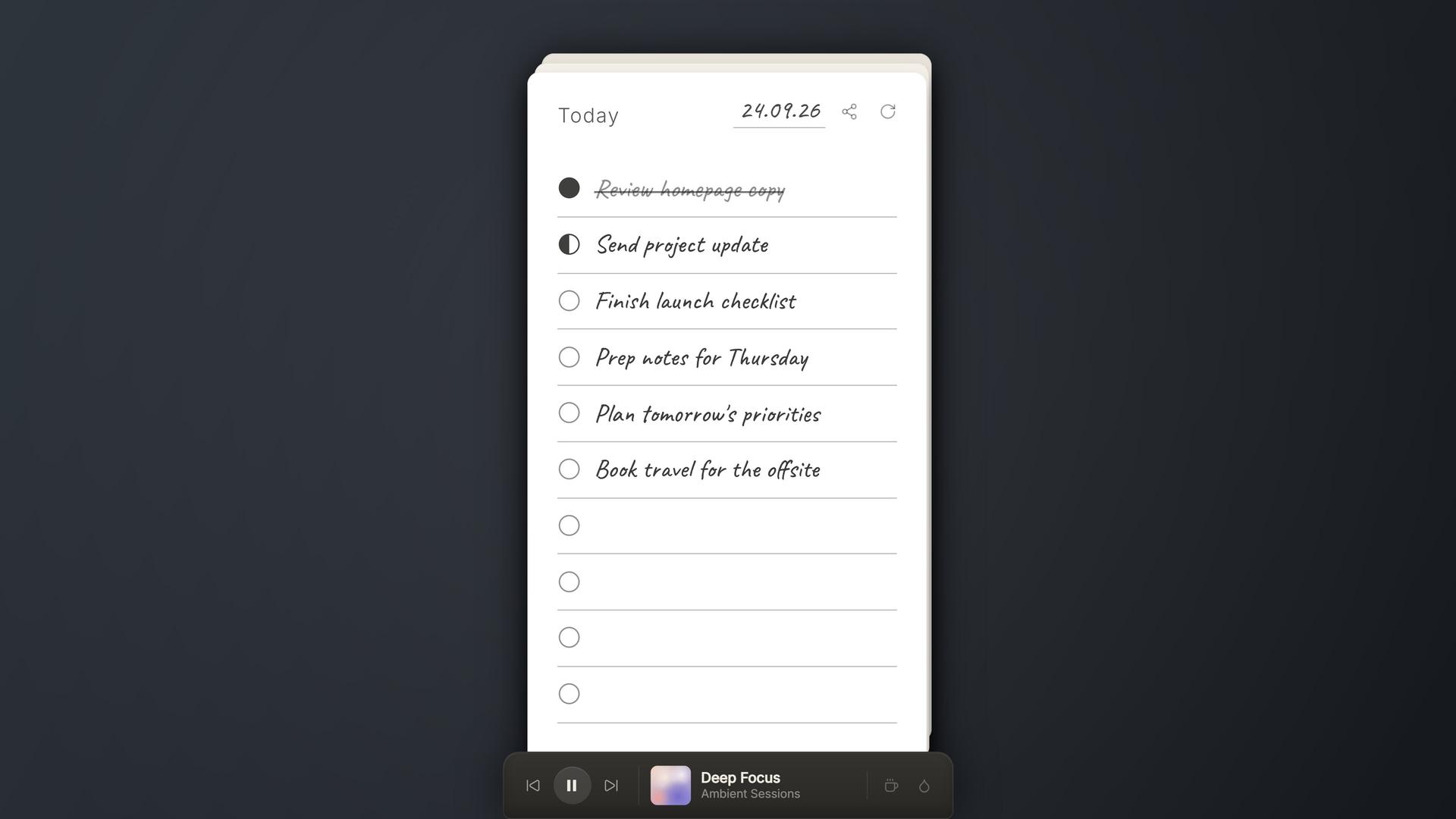
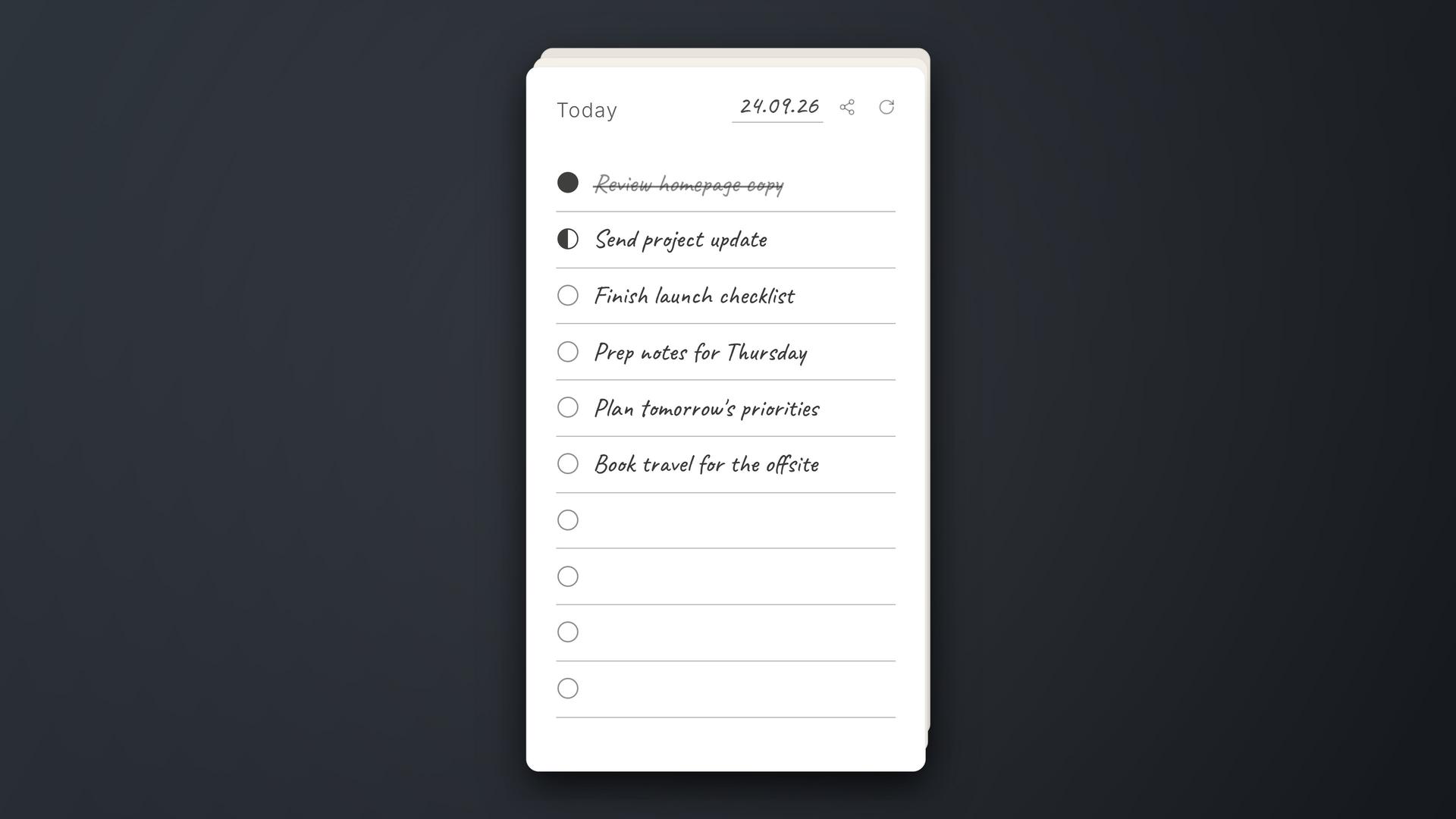
DodoDeck is a lightweight Windows app that keeps your tasks and notes front‑and‑center on the desktop, so you never need to switch windows. With a simple card interface you can instantly jot down tasks, ideas, screenshots or links, and the app remembers them as you type. All data is stored locally, so you stay offline and no account is required.
The case
Who it is for
Solo developers, designers, or anyone who wants a lightweight, always‑visible task and note space without opening another app.
What is broken today
Before DodoDeck, people used separate apps or sticky notes to capture tasks and notes, which required switching windows or launching a new program. This disrupted workflow, made it hard to keep information in sight, and often relied on cloud sync that added complexity.
What it does about it
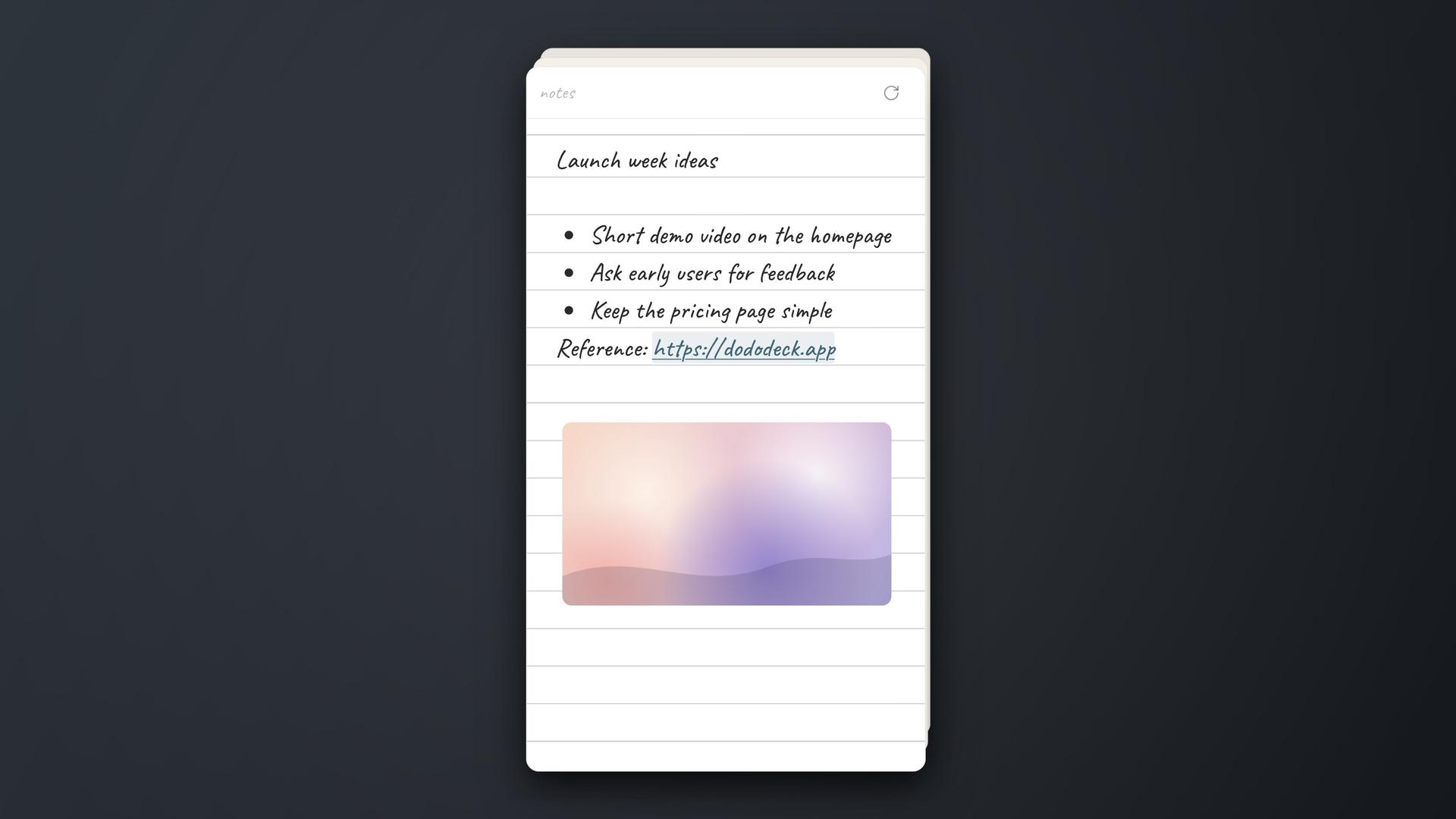
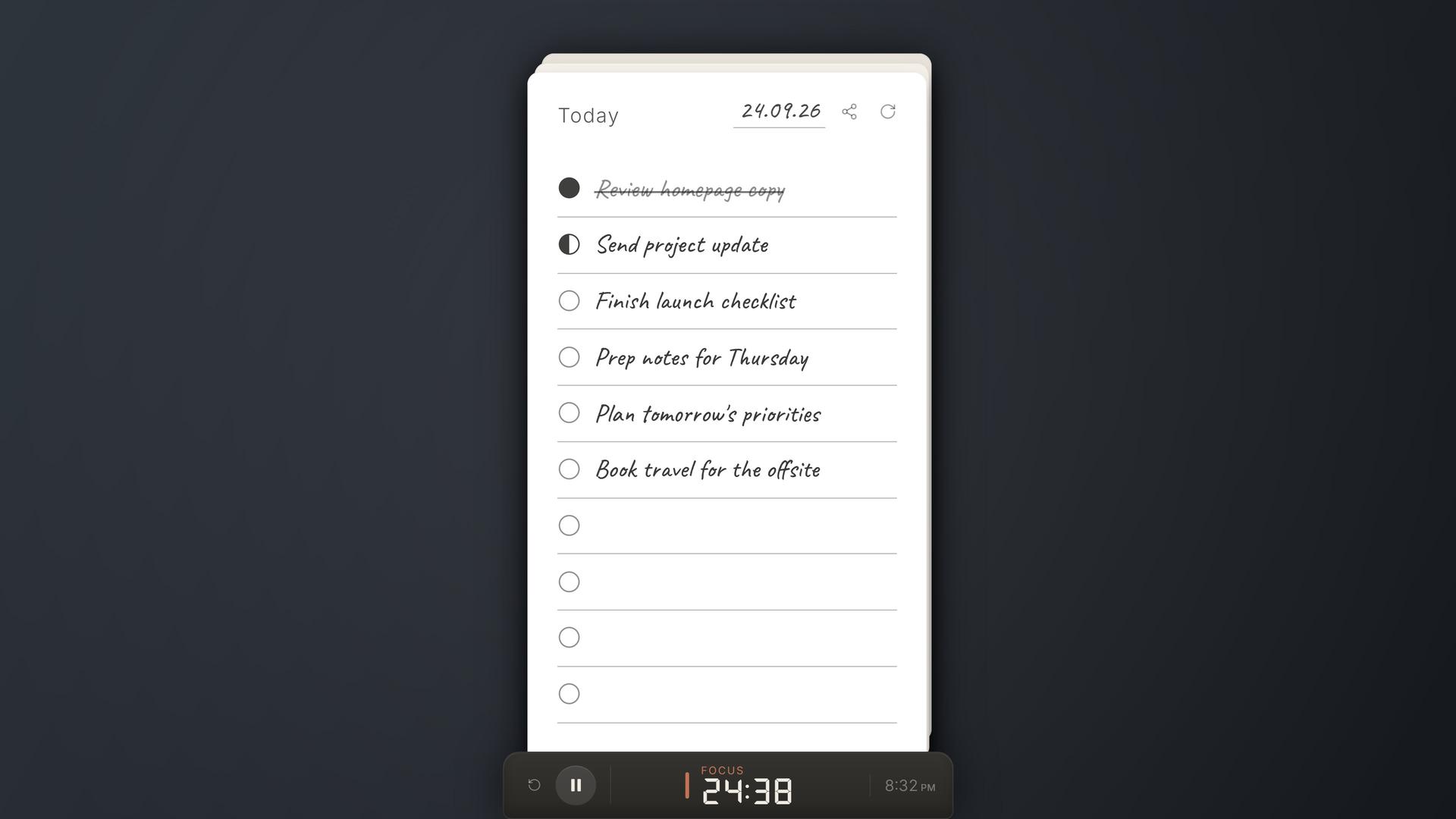
DodoDeck runs as a small desktop overlay that stays on top of other windows. Users can click a card to instantly type a task or paste a screenshot, link, or video. The app autosaves locally, keeps data offline, and offers different card types like Rough Pages. After the trial, a one‑time license unlocks editing and updates.
Why not the obvious alternative
Unlike sticky‑note apps, DodoDeck supports task lists, rich media, and a 'Rough Page' for free‑form notes, all within a single lightweight window. It also offers a one‑time purchase model with lifetime updates, no cloud sync, and a local‑only data store, giving privacy and simplicity that alternatives lack.
Gallery
Details
Links
Evidence
Every claim carries a source and a date
domain: verified
Source badge · verified 2026-10-19
Considered instead of
Named by the maker, not measured by us. It tells you what this is competing with, not which one wins.
Questions
- What happens after the 14‑day trial?
- After the trial ends, DodoDeck becomes read‑only. You can still view your cards and archive, but you need to enter a purchased license key to edit again.
- Is this a subscription?
- No. DodoDeck is a one‑time $5 purchase with no recurring charges.
- Where is my data stored?
- All cards, notes, attachments, and archive are stored locally on your Windows device and are not synced to any cloud service.
- Does it work offline?
- Yes. The app works offline for your cards and notes; only a connection is needed for purchase and license activation.
ameya karandeMaker7d
Hey, I built DodoDeck to keep my own to‑do list and quick notes always in view, without the clutter of a full‑blown app. It's a tiny, always‑on‑top window that you can drop anywhere on your screen.