
DemoVexa
Live this weekproduct videos from your code

About
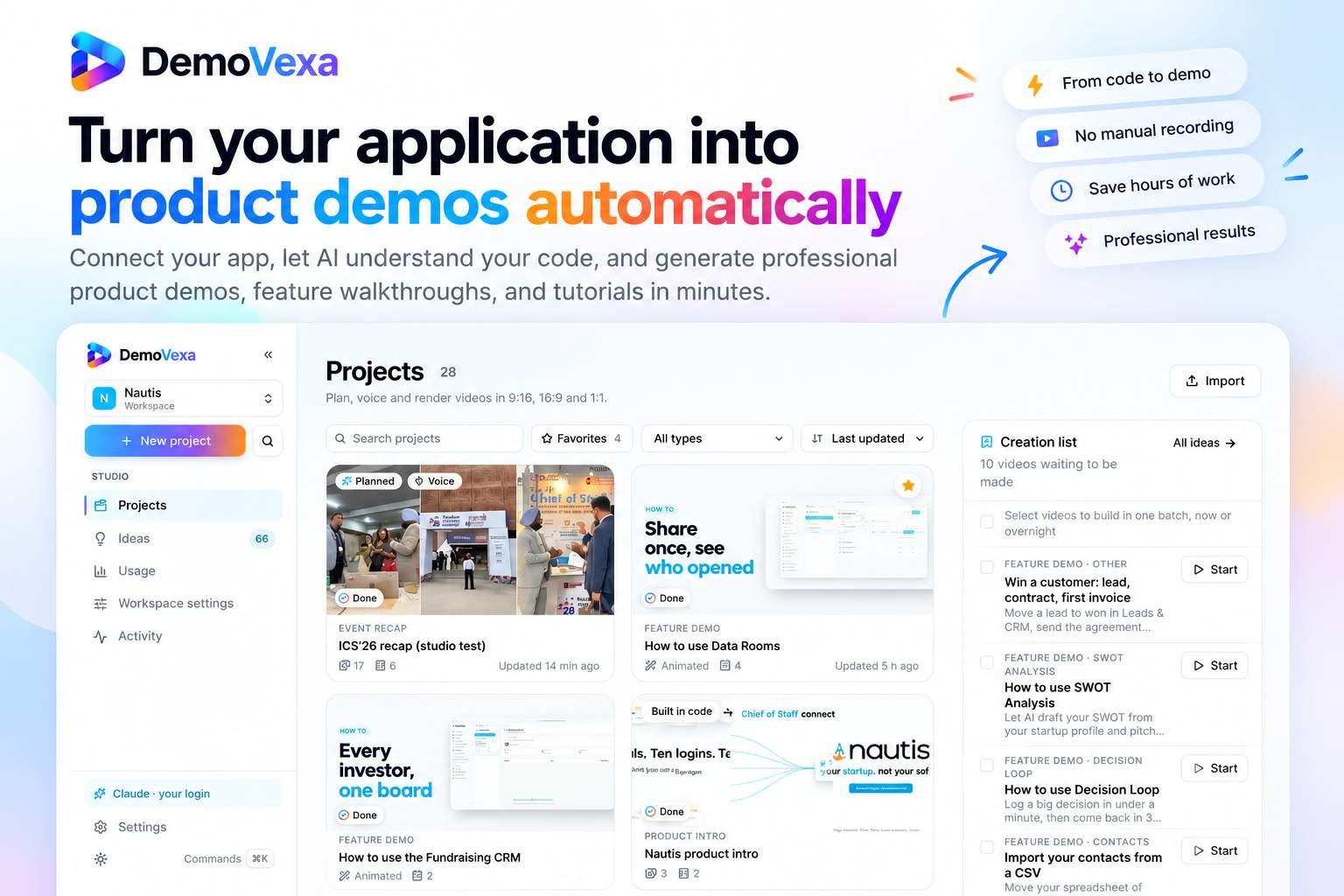
DemoVexa turns your app’s code into polished product demo videos. It reads the code, writes a script, records a native voiceover in 85 languages, and animates the real UI. The result is a professional video that updates automatically when your code changes.
The case
Who it is for
Solo founders, product teams, agencies, and developer relations teams that need quick, high‑quality product demo videos without hiring designers or voice actors.
What is broken today
Creating product demo videos traditionally requires screen recordings, designers, voice actors, and editors, which is time‑consuming and costly. Teams often struggle to keep demos up to date when the product changes, and sensitive user data can be exposed in screen captures.
What it does about it
DemoVexa scans a code repository, extracts UI components, navigation, and documentation, and learns the app’s structure. An AI writes a scene‑by‑scene script, selects a voice, and builds a React recreation of the UI. The tool animates cursor movements, adds captions, and renders MP4 videos in multiple aspect ratios.
Why not the obvious alternative
Unlike screen‑recording tools, DemoVexa uses the actual code to rebuild the UI, so no blurry or data‑leaking footage is required. It automatically updates videos when code changes, allows re‑voicing in 85 languages on demand, and eliminates the need for separate designers or voice actors. The entire workflow runs locally, so AI usage is billed directly to the user’s accounts without markup.
Gallery
Details
Links
Considered instead of
Named by the maker, not measured by us. It tells you what this is competing with, not which one wins.
Questions
- How does DemoVexa read my code?
- DemoVexa scans your repository, extracts UI components, routes, and documentation, and builds a model of your app. It supports any language and framework.
- Do I need to pay for AI usage?
- The AI providers (Claude, ElevenLabs, etc.) bill directly to your accounts; DemoVexa does not add a markup.
- How long does a video take to build?
- Build time depends on the size of your codebase; typical builds finish within minutes. You can queue batch builds to run overnight.
- Can I change the voice or language after the video is built?
- Yes, you can re‑voice in any of the 85 languages at any time and edit the script or regenerate scenes.
- What file formats do I get?
- DemoVexa exports MP4 videos in 16:9, 9:16, and 1:1 ratios with optional covers, thumbnails, and captions.
Baltej SinghMaker4h
We built DemoVexa to let developers and marketers create polished product videos without any design or recording work. By reading your code, the tool writes scripts, records voiceovers in 85 languages, and animates real UI. Try it free for 14 days and see how quickly you can produce professional demos.